 DriveFinch
U.S. road signs and what they mean
214 signs from the Manual on Uniform Traffic Control Devices (MUTCD). Shape and color tell you what kind of sign it is before you read it.
Regulatory signs
Tell you what you must or must not do.
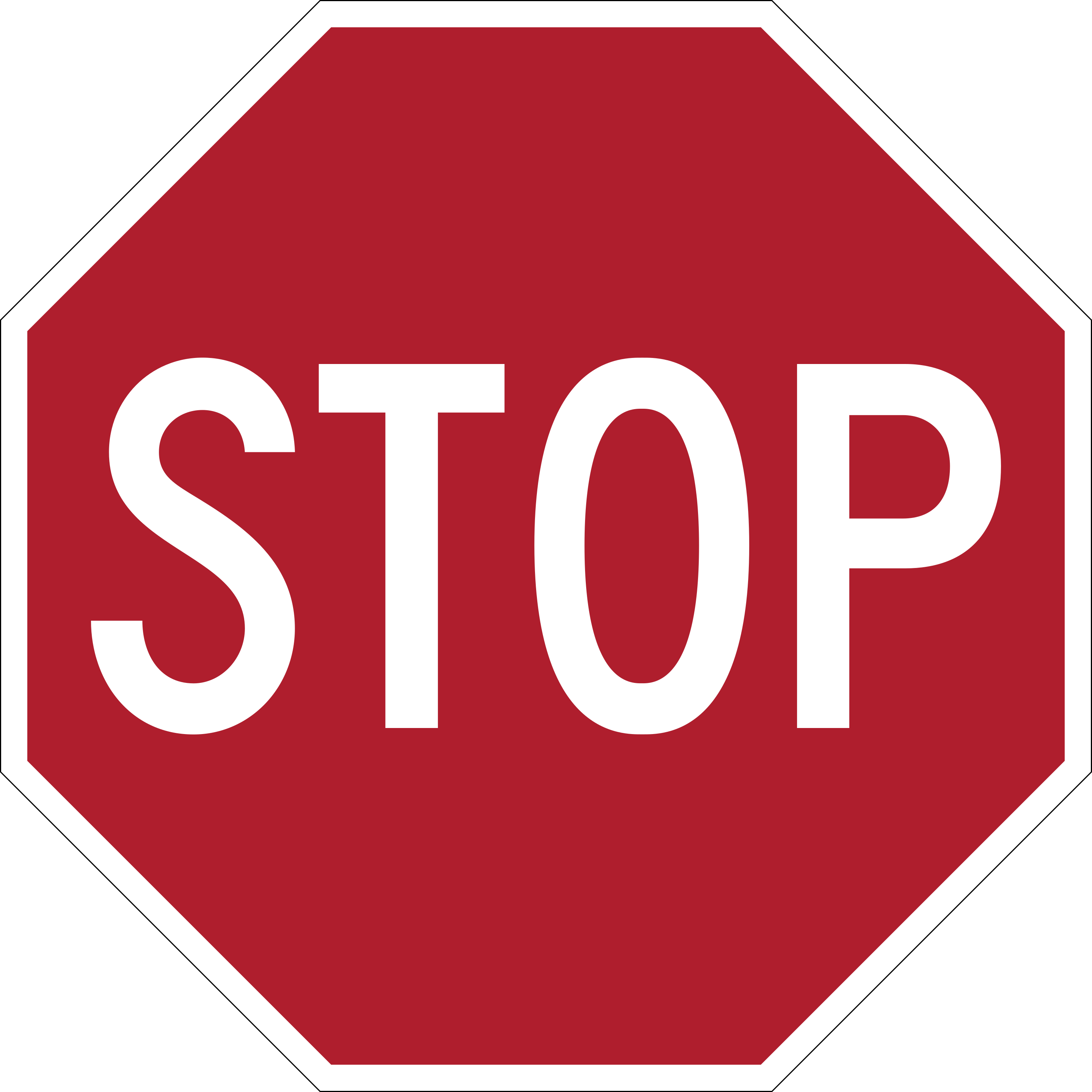
Stop
Come to a complete stop. If you do not have the right-of-way at the intersection, wait until it is safe before proceeding.
R1-1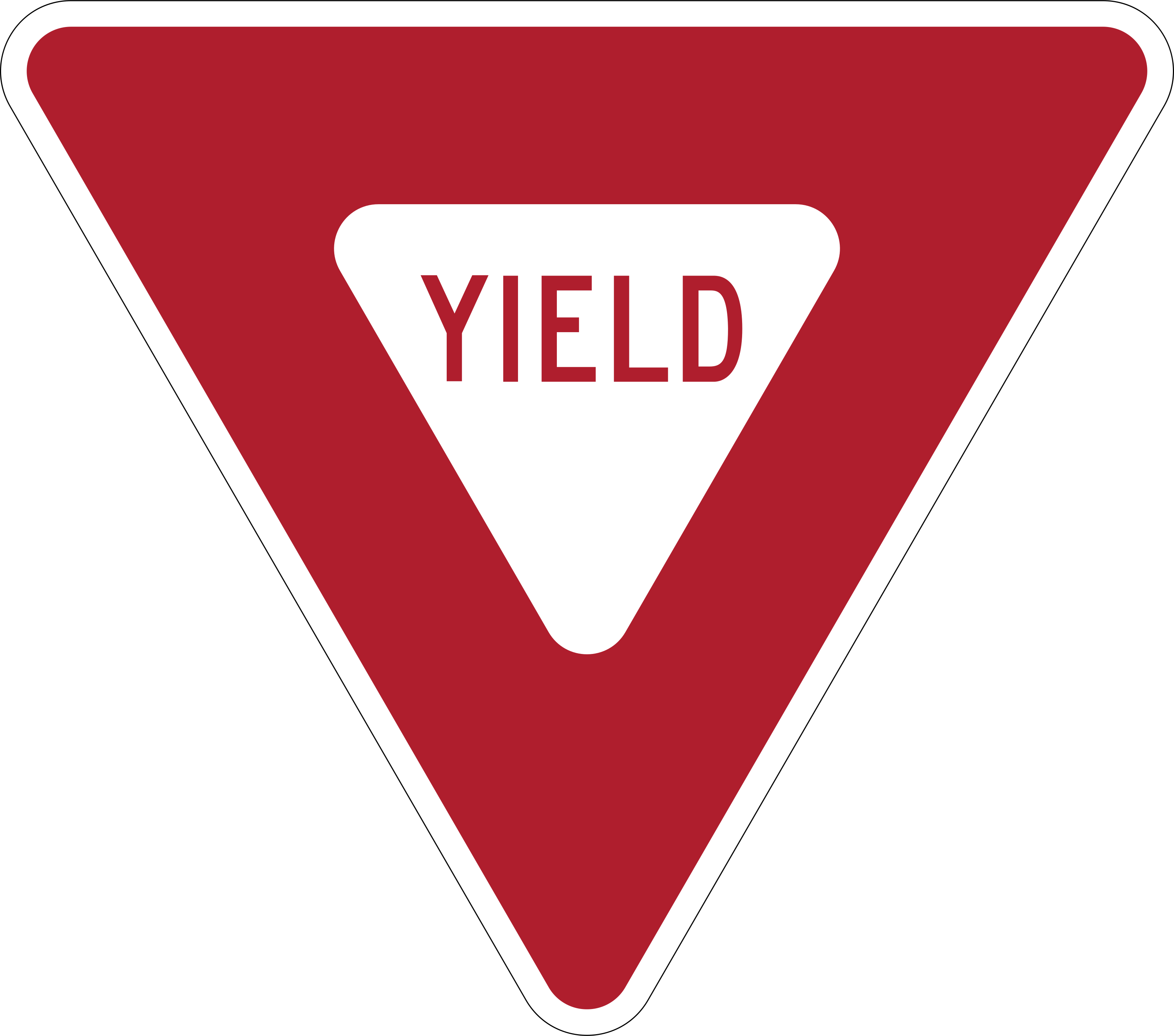
Yield
Slow down and be ready to stop if needed to let other traffic or pedestrians go first before you proceed.
R1-2
4-Way (Stop Plaque)
This plaque below a STOP sign means all four directions at the intersection have stop signs, so every vehicle must stop and then take turns.
R1-3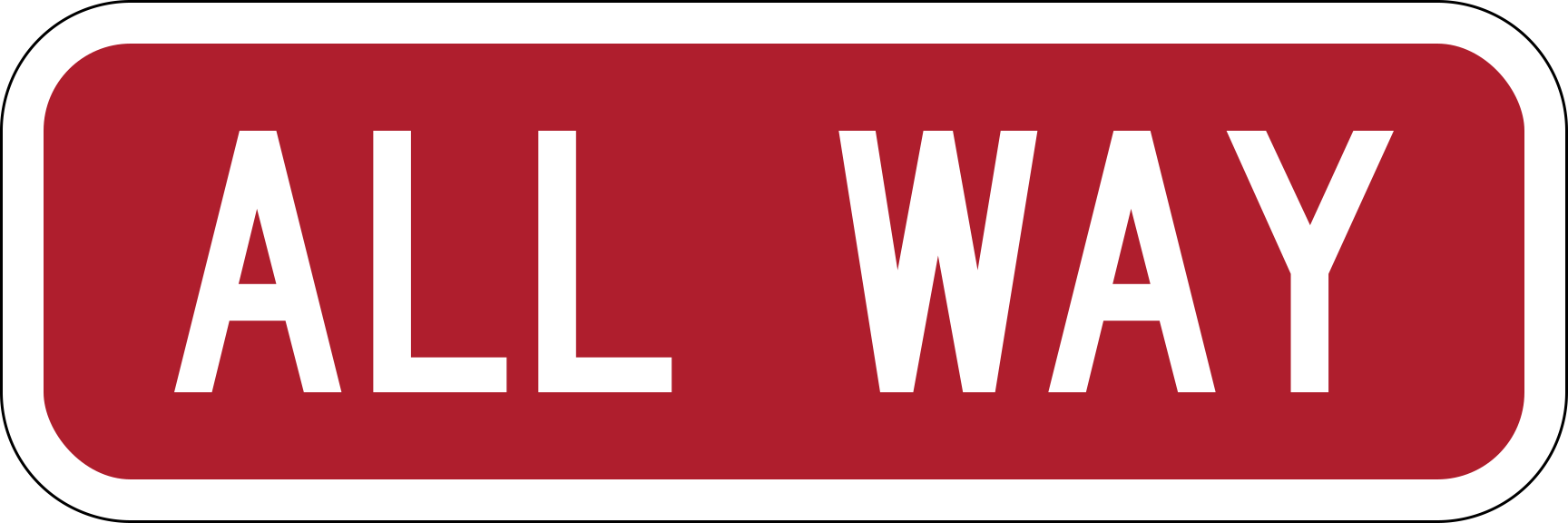
All Way (Stop Plaque)
This plaque below a STOP sign means every approach to the intersection must stop, similar to a 4-Way Stop.
R1-4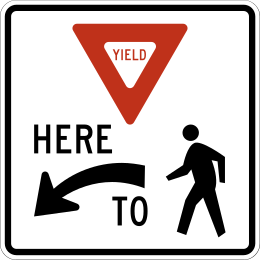
Yield Here to Pedestrians
Placed before a crosswalk, this sign requires drivers to stop or slow down and let pedestrians in the crosswalk cross first.
R1-5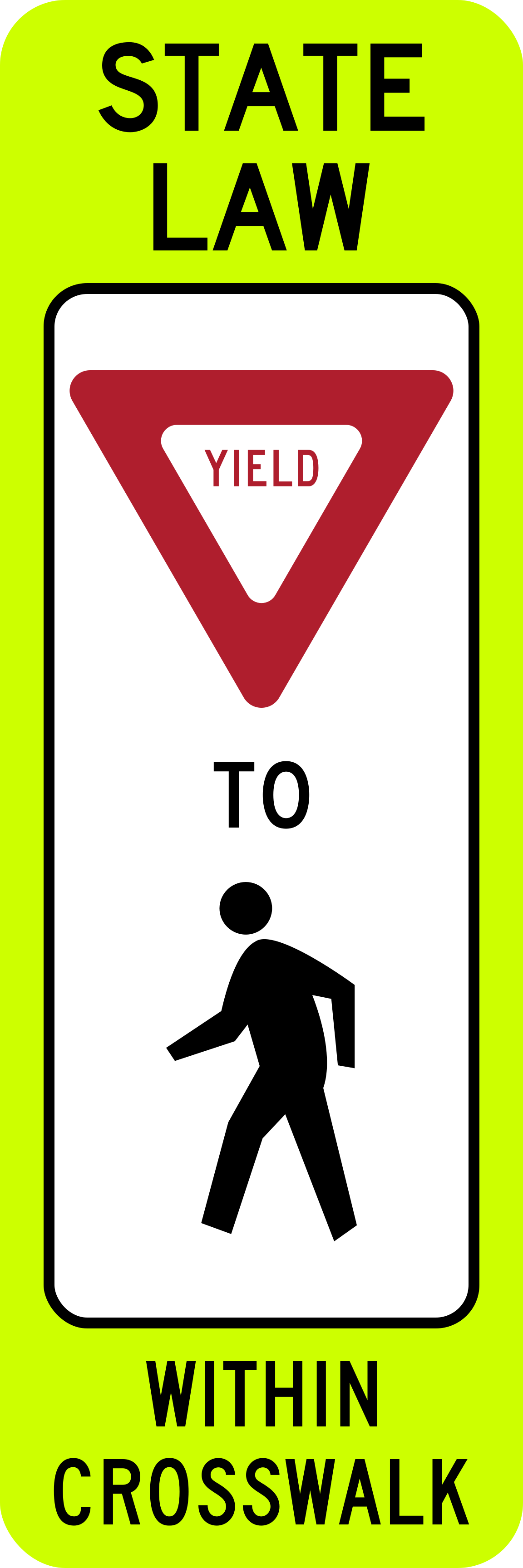
In-Street Pedestrian Crossing
This sign is placed in the middle of the road at a crosswalk to remind drivers to yield to pedestrians crossing there.
R1-6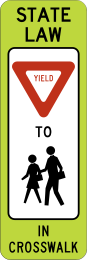
In-Street Yield to Children Within Crosswalk
Placed in the middle of the road at a school crosswalk, this sign requires drivers to yield to children crossing there.
R1-6b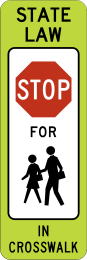
School Crosswalk
Placed in the middle of the road, this sign marks a school crosswalk where drivers must yield to crossing children.
R1-6c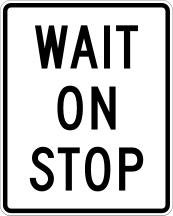
Stop (Crossing Guard Paddle)
This is the STOP side of a two-sided paddle held by a crossing guard, usually at a school crossing; drivers must come to a complete stop.
R1-7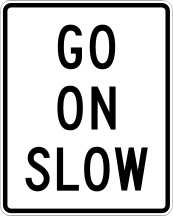
Slow (Crossing Guard Paddle)
This is the SLOW side of the crossing guard's paddle; drivers should slow down and proceed carefully while watching for pedestrians.
R1-8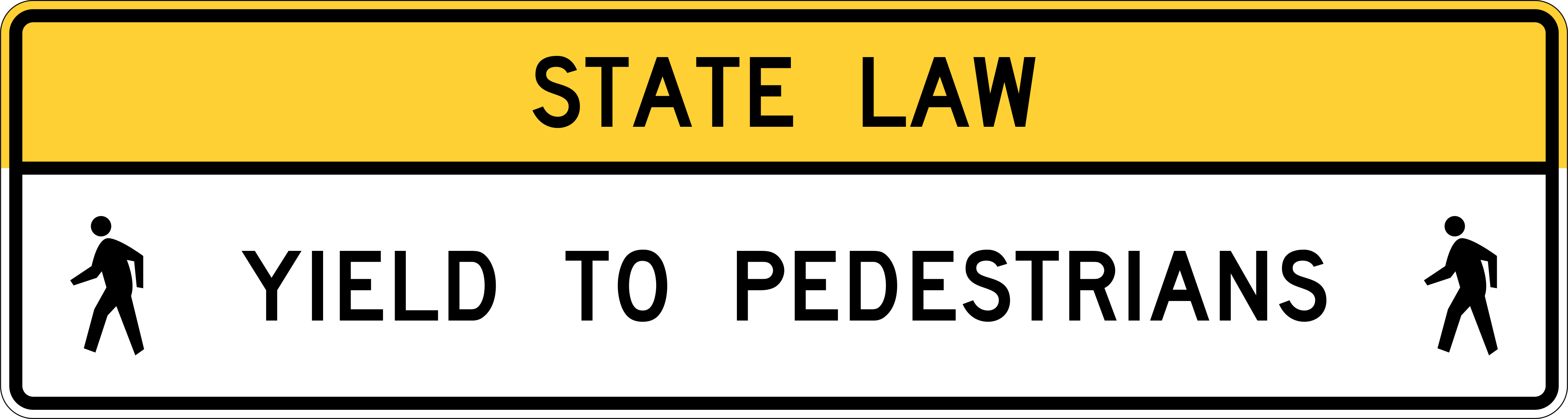
Overhead Pedestrian Crossing
Mounted above the road at a crosswalk, this sign warns drivers ahead of time to yield to pedestrians crossing.
R1-9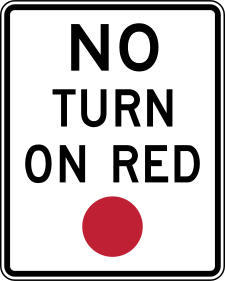
No Turn on Red
Turning at this intersection while the light is red is not allowed, even after stopping completely.
R10-11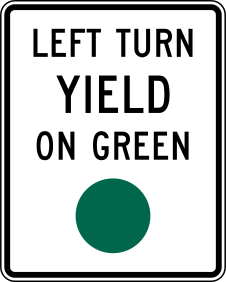
Left Turn Yield on Green
When turning left on a regular green light, you must yield to oncoming through traffic and pedestrians before completing the turn.
R10-12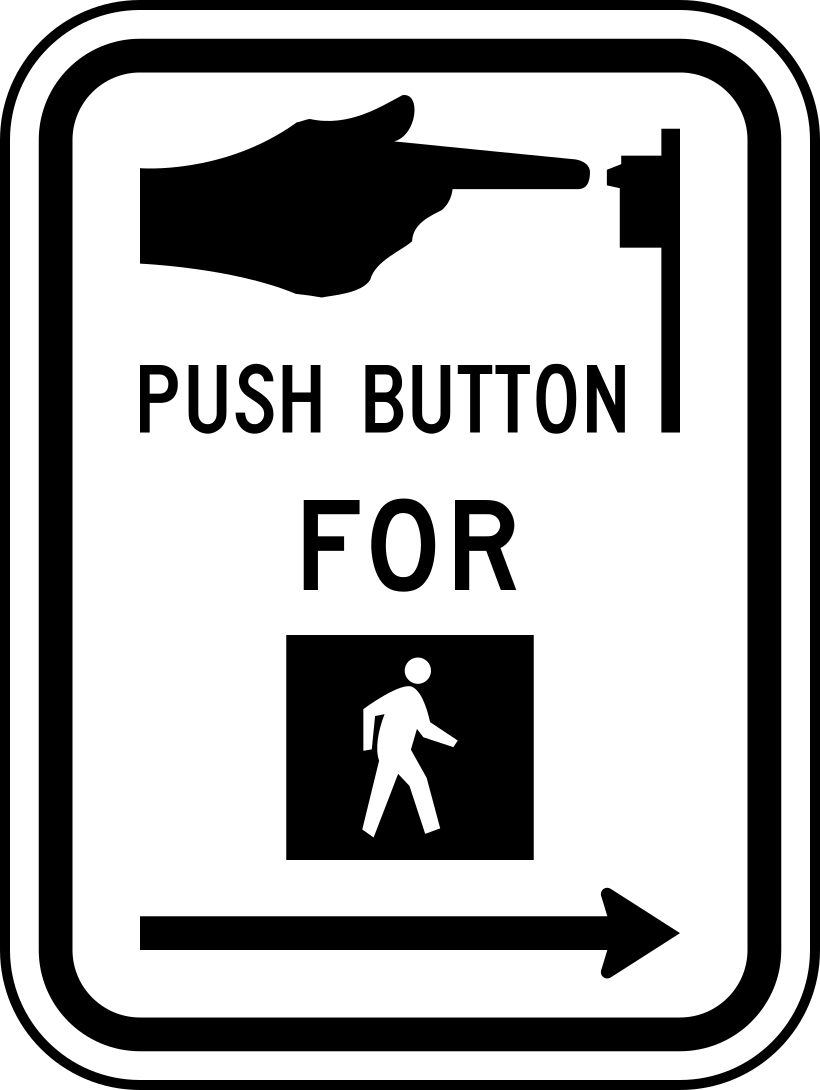
Push Button for Walk Signal
Pedestrians must press this button to activate the walk signal; drivers should watch for pedestrians who may cross once the signal changes.
R10-3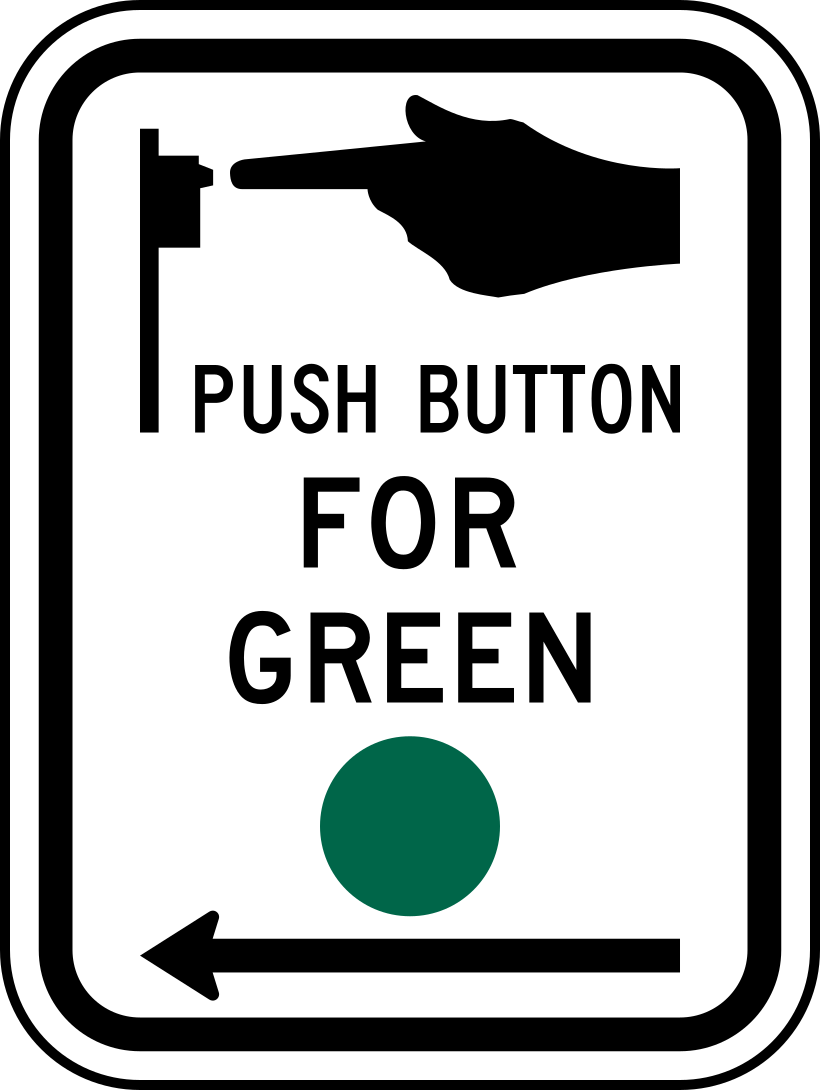
Push Button for Green Signal
This sign tells cyclists or pedestrians to press a button to get a green signal to proceed; drivers should be alert to this crossing.
R10-4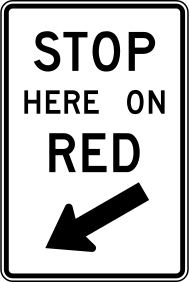
Stop Here on Red
When the signal is red, stop at this marked line rather than pulling further into the intersection.
R10-6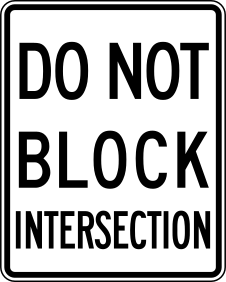
Do Not Block Intersection
Do not enter the intersection unless you can clear it before the light changes; wait if traffic ahead may leave you stuck in the crossing.
R10-7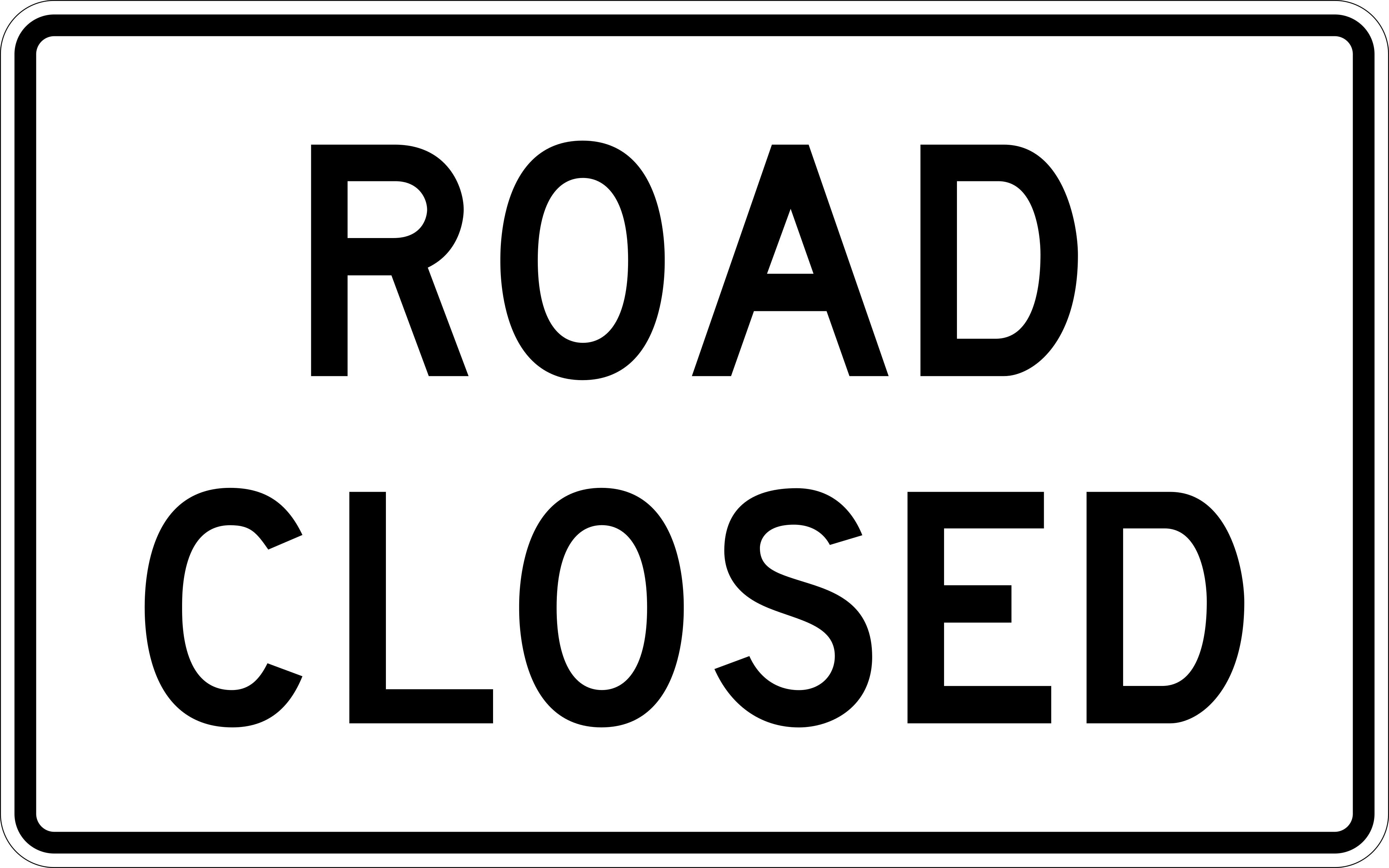
Road Closed
The road ahead is completely closed; you cannot continue and must find another route.
R11-2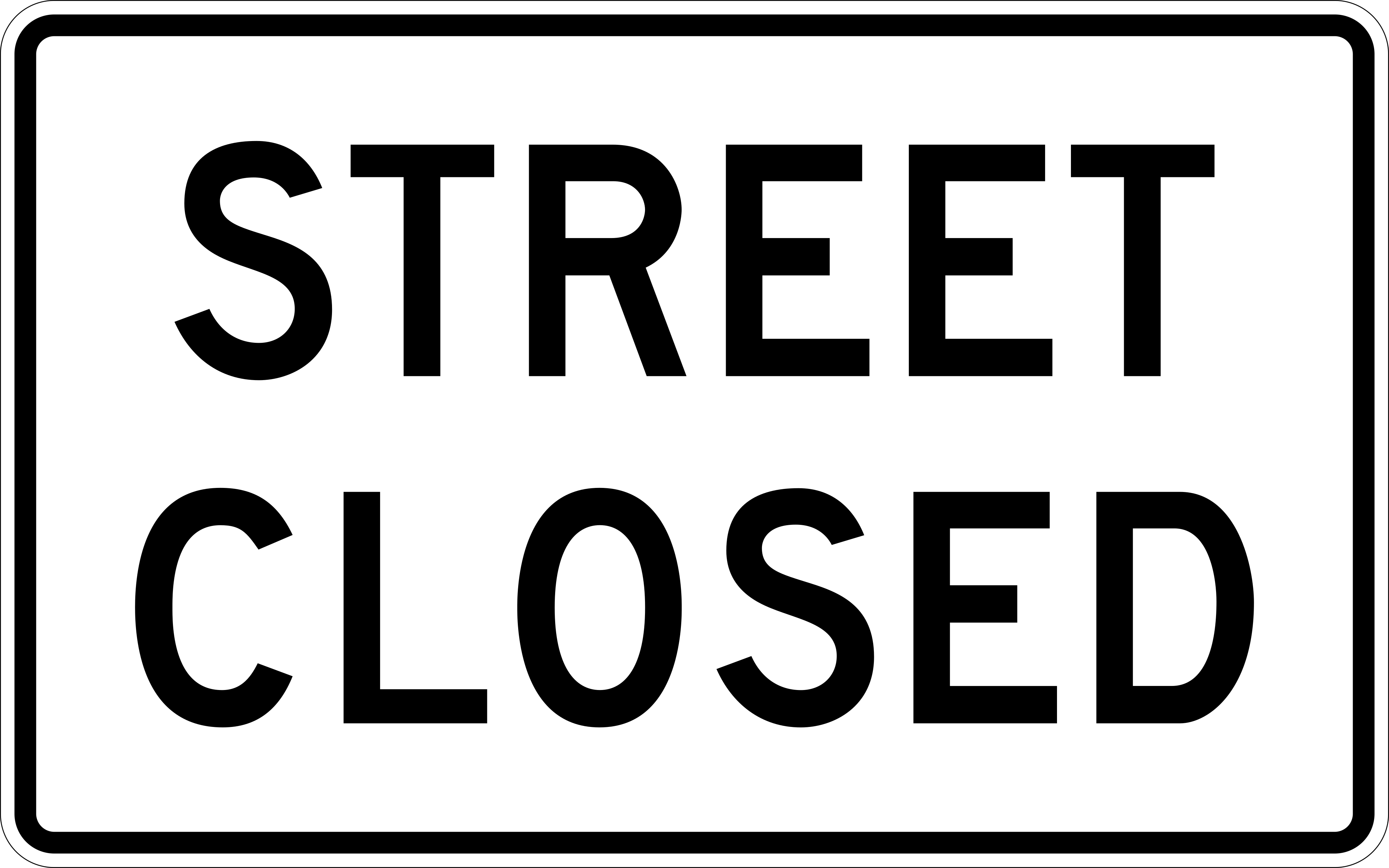
Street Closed
The street ahead is closed to all traffic.
R11-2a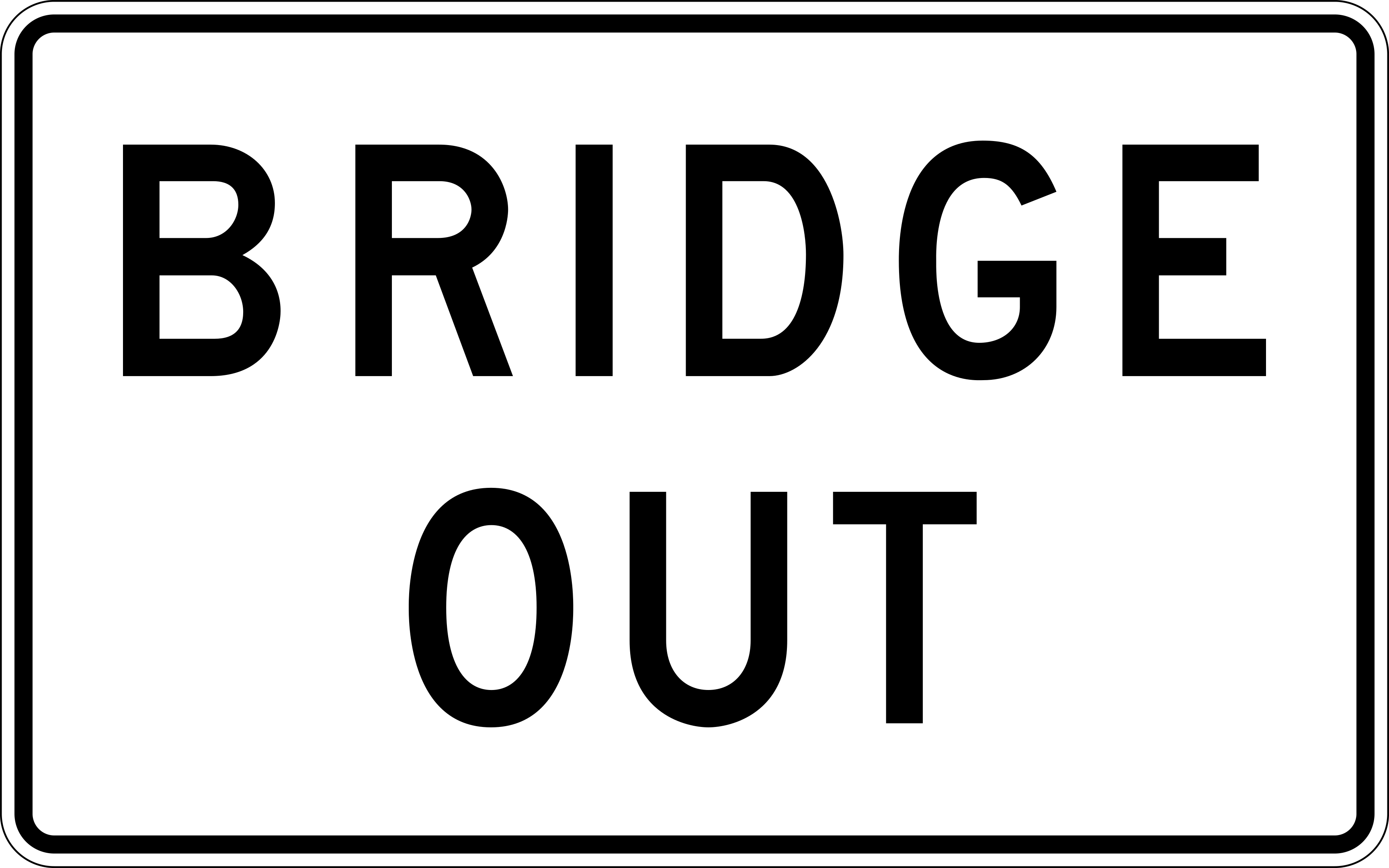
Bridge Out
The bridge ahead is unusable; you cannot continue on this route.
R11-2b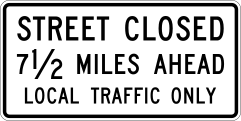
Street Closed - Local Traffic Only
The street is closed except to residents or those with business in the area; through traffic must find another route.
R11-3a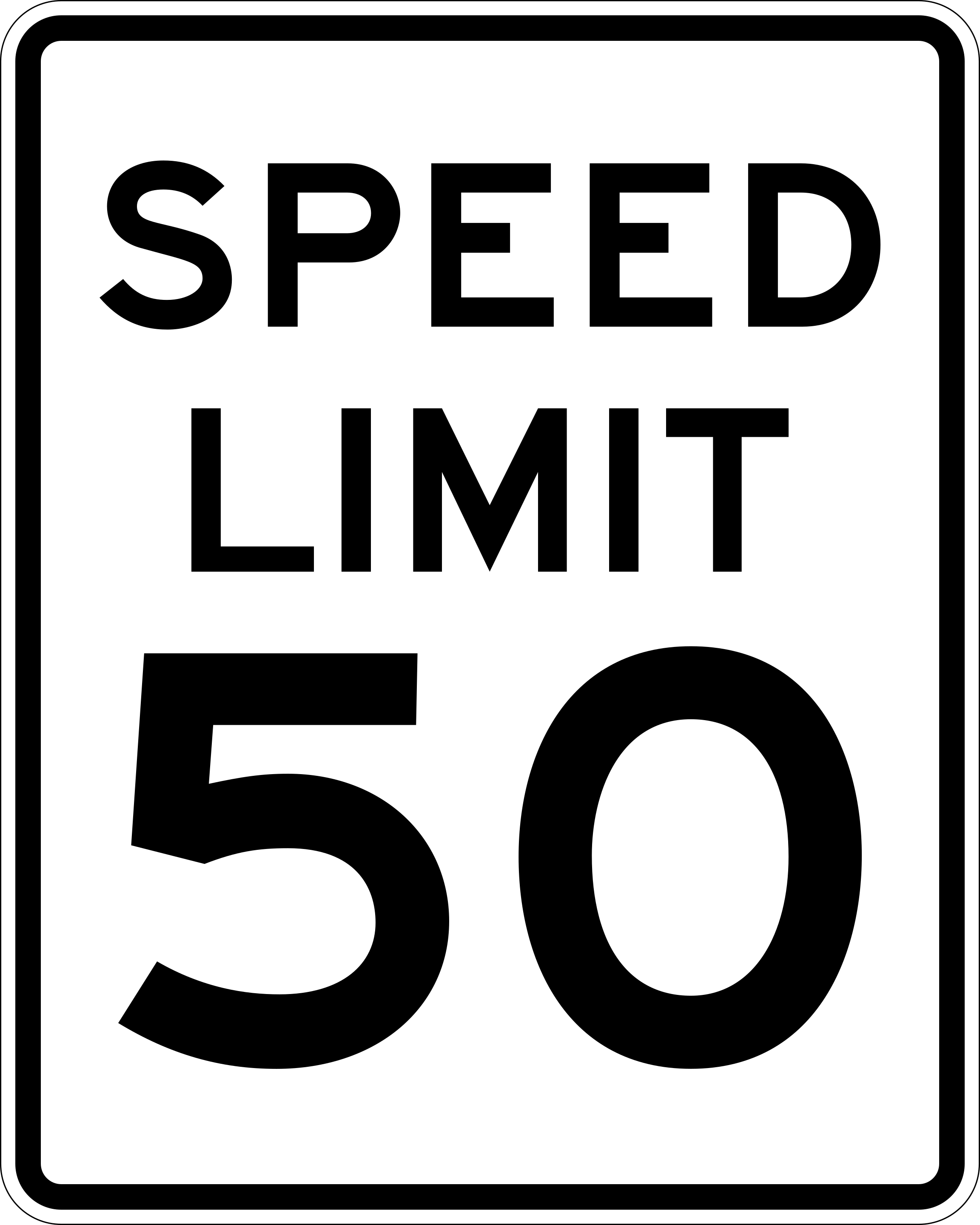
Speed Limit
Shows the maximum legal speed for this section of road. Do not drive faster than the number shown.
R2-1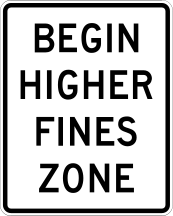
Begin Higher Fines Zone
Marks the start of a zone where traffic fines are increased, such as a work zone or school zone.
R2-10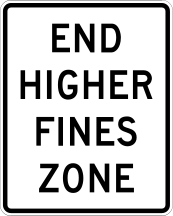
End Higher Fines Zone
Marks the end of the zone where fines were increased; normal fine amounts resume.
R2-11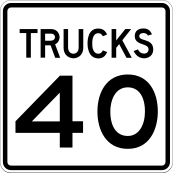
Truck Speed Limit
Sets a separate, usually lower, maximum speed that trucks must follow on this road.
R2-2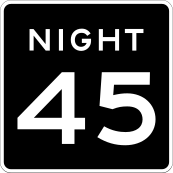
Night Speed Limit
Shows a different maximum speed that applies during nighttime hours on this road.
R2-3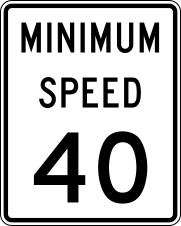
Minimum Speed Limit
Shows the slowest speed you may legally drive on this road; driving slower than this without cause is not allowed.
R2-4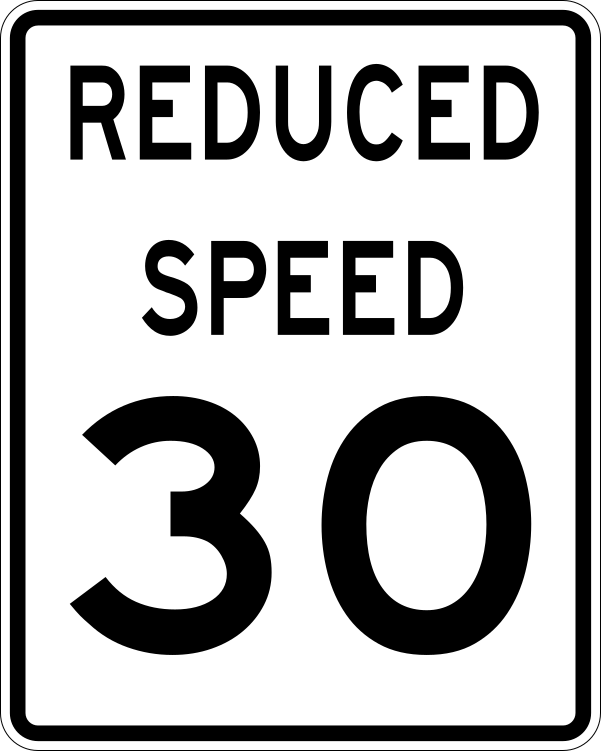
Reduced Speed Ahead
Warns that the speed limit is about to drop; slow down to meet the new limit ahead.
R2-5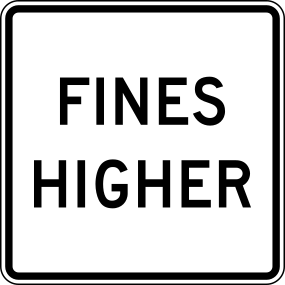
Fines Higher
Traffic fines are increased in this area, such as a work zone or school zone; drive carefully and obey posted limits.
R2-6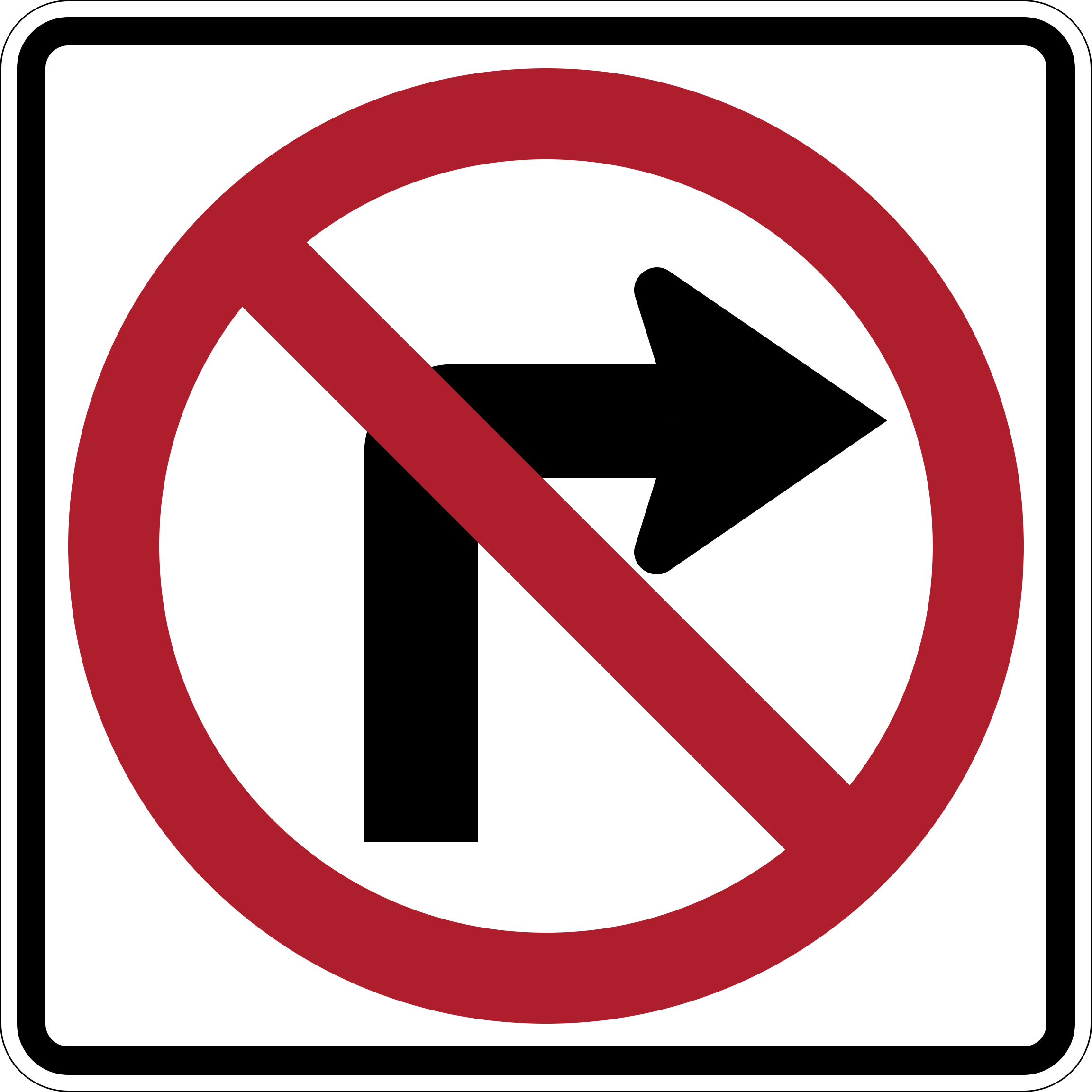
No Right Turn
Turning right at this intersection is not allowed.
R3-1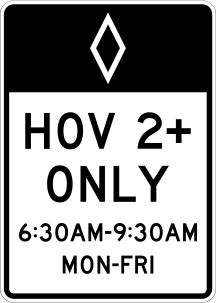
Preferential Lane (HOV)
This lane is reserved for specific vehicles, such as carpools, buses, or motorcycles, as posted.
R3-11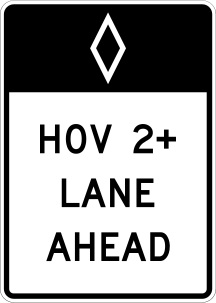
Preferential Lane Ends
The restricted lane (such as an HOV or bus lane) ends here and merges with regular traffic.
R3-12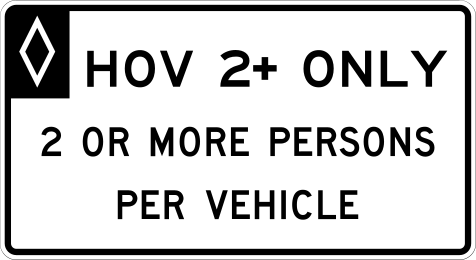
Preferential Lane Ahead
A restricted lane, such as an HOV or bus lane, begins ahead.
R3-13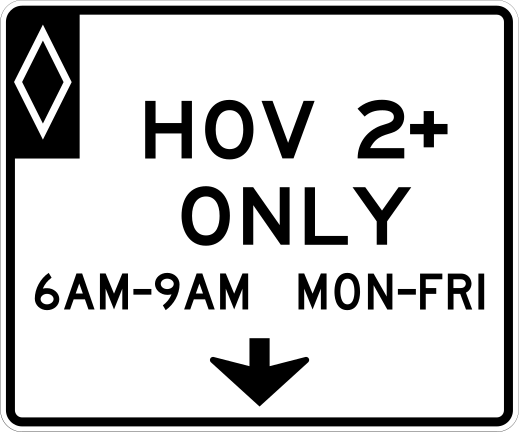
Preferential Lane Operation (Overhead)
This overhead electronic sign shows the current rules for using the preferential (HOV) lane below it.
R3-14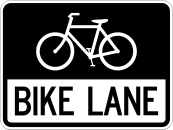
Bike Lane
Marks a lane reserved for bicycles. Motor vehicles may not drive or park in this lane.
R3-17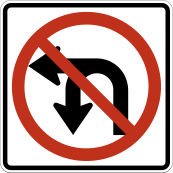
No Left Turn or U-Turn
Neither a left turn nor a U-turn is allowed at this location.
R3-18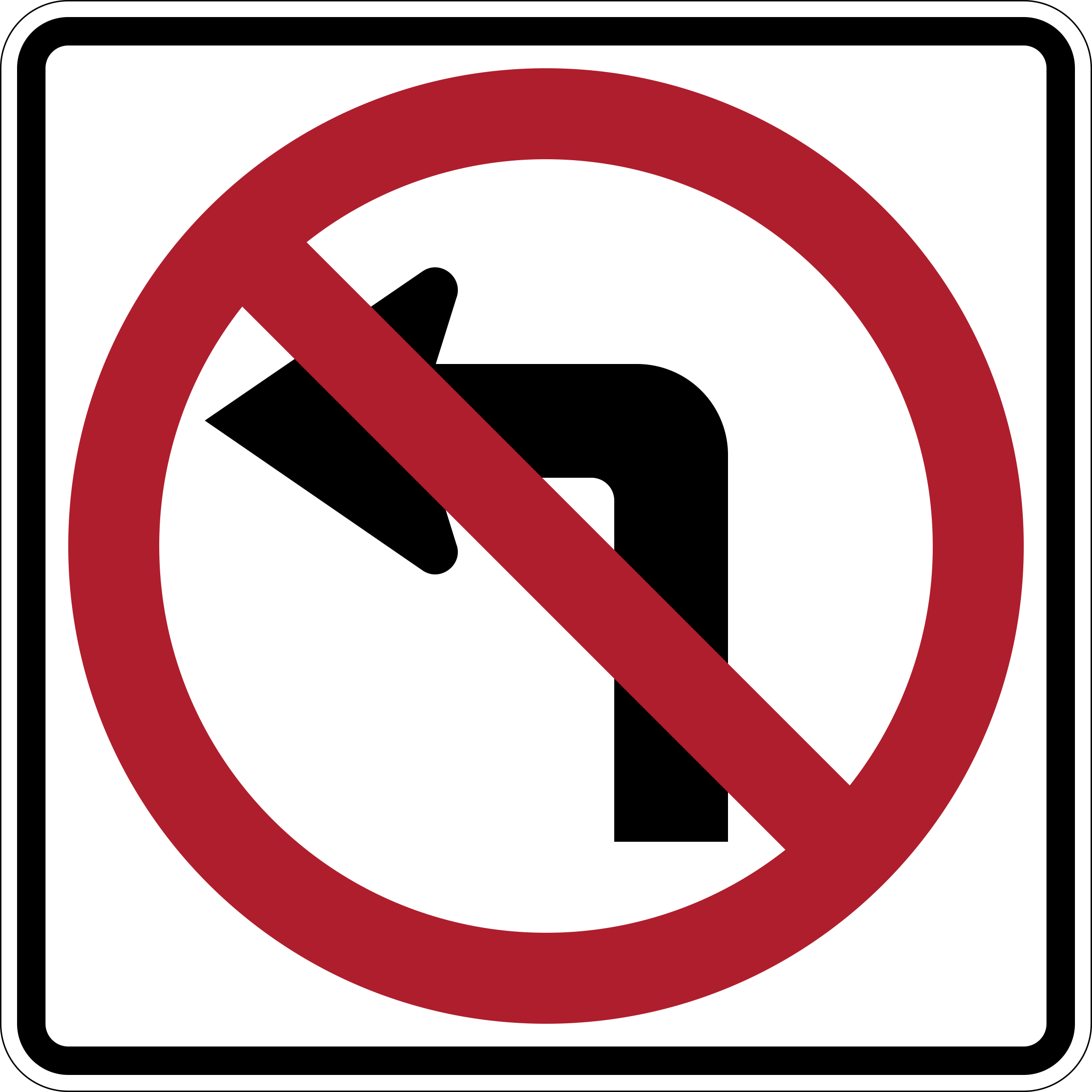
No Left Turn
Turning left at this intersection is not allowed.
R3-2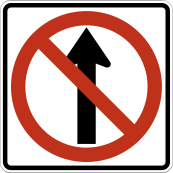
No Straight Ahead
Continuing straight from this lane is not allowed; you must turn.
R3-27
No Turns
No turns in any direction are allowed here; you must continue straight.
R3-3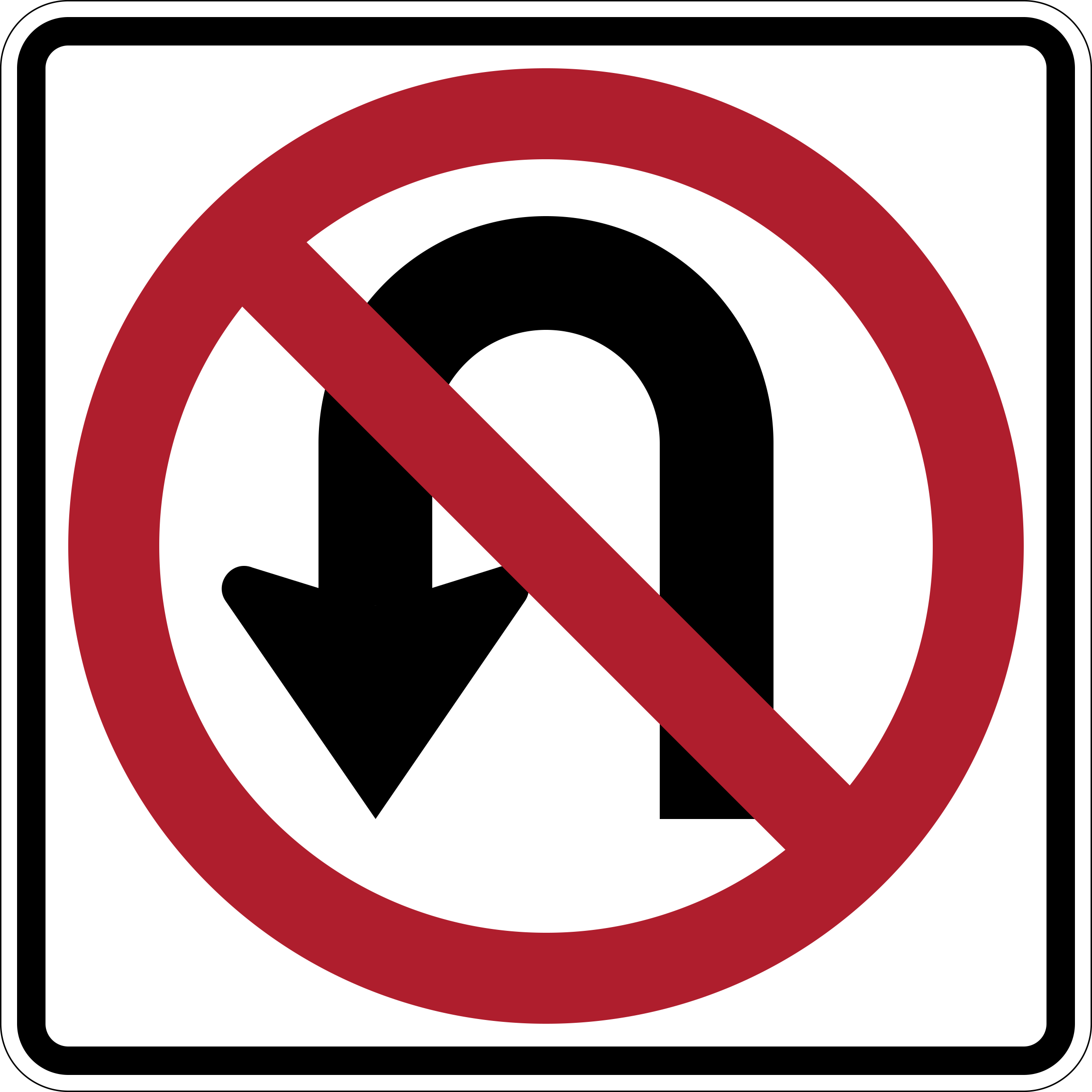
No U-Turn
Making a U-turn is not allowed at this location.
R3-4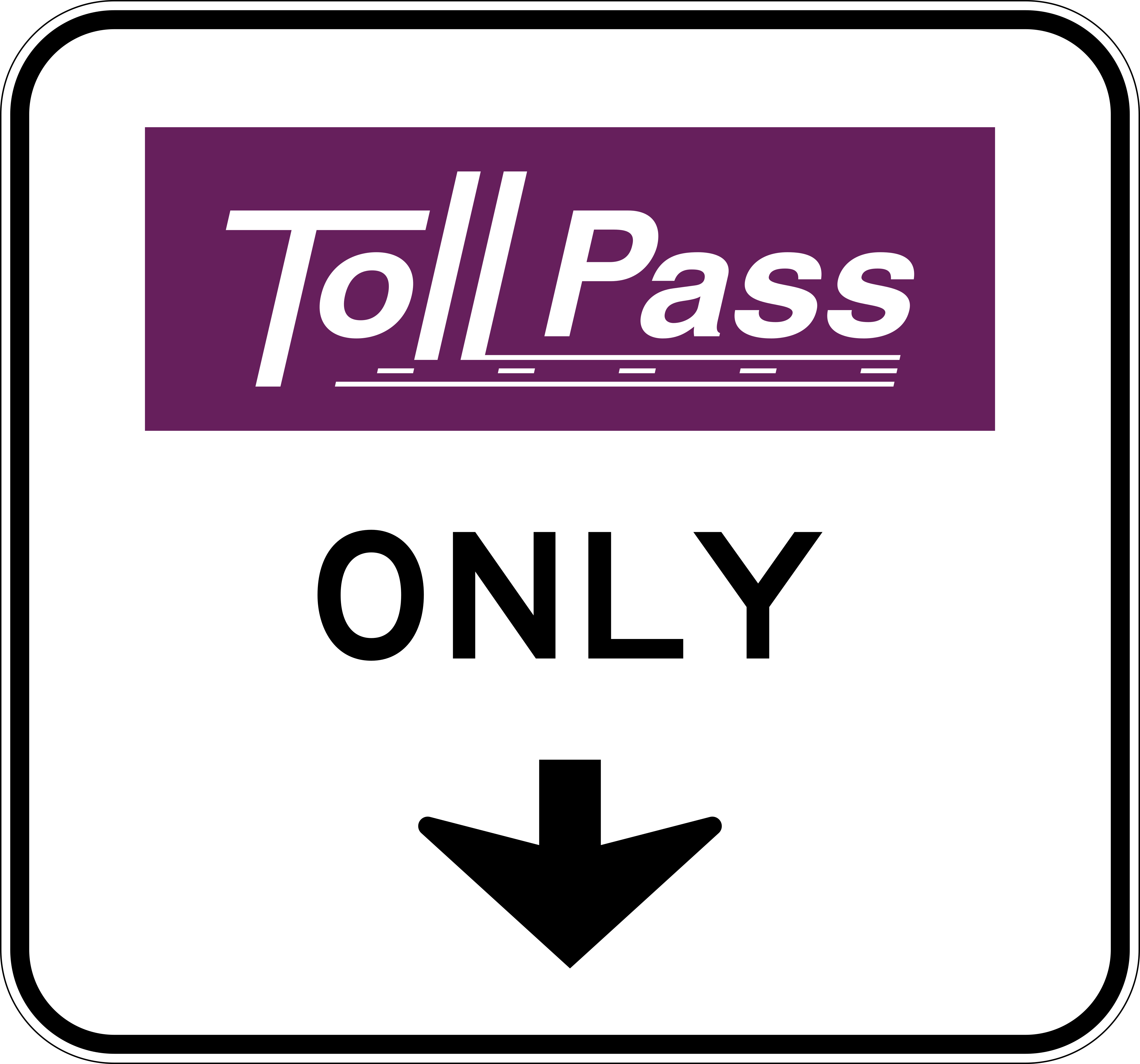
Priced Lane Hours of Operation (Overhead)
This overhead electronic sign shows the hours when the priced (toll) managed lane below is active.
R3-44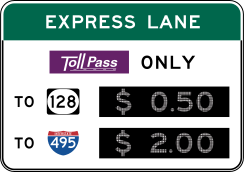
Priced Lane Toll Rate
This electronic sign displays the current toll price to use the managed express lane.
R3-48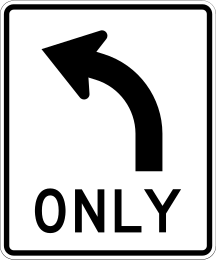
Mandatory Lane Direction
The arrow shows the only direction you may go from this lane; you must follow it.
R3-5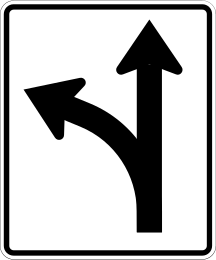
Optional Lane Directions
From this lane you may go in any of the directions shown by the arrows, such as straight or right.
R3-6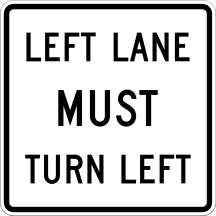
Mandatory Lane Directions (Multiple Lanes)
Shows the required direction of travel for each of several side-by-side lanes.
R3-7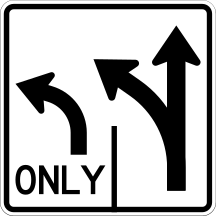
Advance Lane Control
Posted before an intersection, this sign shows which lane to use for each direction ahead.
R3-8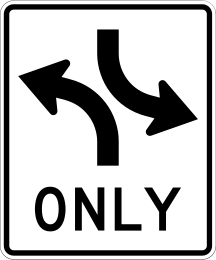
Reversible Lane Control
Shows the current allowed use of a center lane that can change direction, often controlled by overhead signals.
R3-9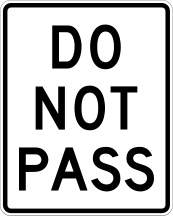
Do Not Pass
Passing (overtaking) other vehicles is not allowed in this section of road.
R4-1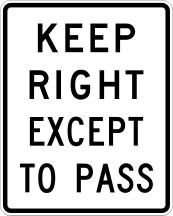
Keep Right Except to Pass
Stay in the right lane unless you are passing another vehicle.
R4-16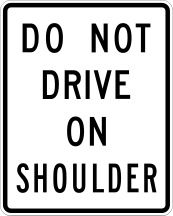
Do Not Drive on Shoulder
The shoulder may not be used as a travel lane, even in heavy traffic.
R4-17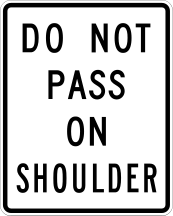
Do Not Pass on Shoulder
Passing other vehicles by driving on the shoulder is not allowed.
R4-18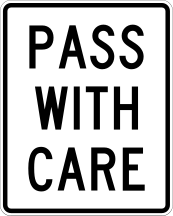
Pass with Care
Passing is allowed here, but only when it can be done safely.
R4-2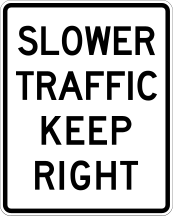
Slower Traffic Keep Right
Drivers going slower than the flow of traffic should stay in the right lane so faster vehicles can pass on the left.
R4-3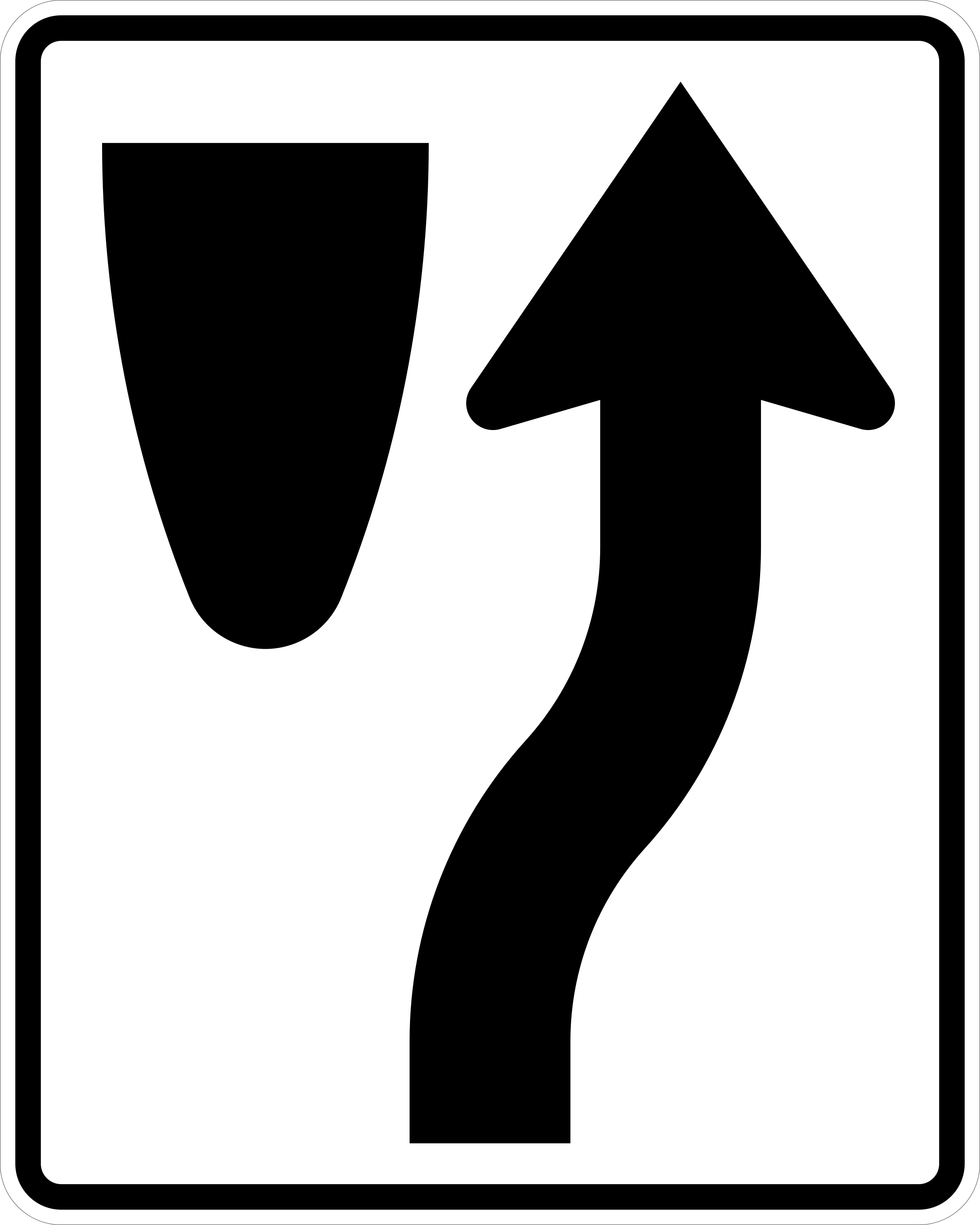
Keep Right
Pass to the right of the island, median, or obstruction ahead.
R4-7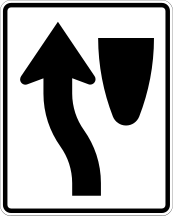
Keep Left
Pass to the left of the island, median, or obstruction ahead.
R4-8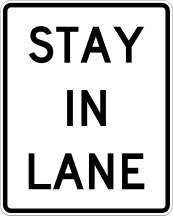
Stay in Lane
Do not change lanes; remain in your current lane until you have passed through the intersection or marked area.
R4-9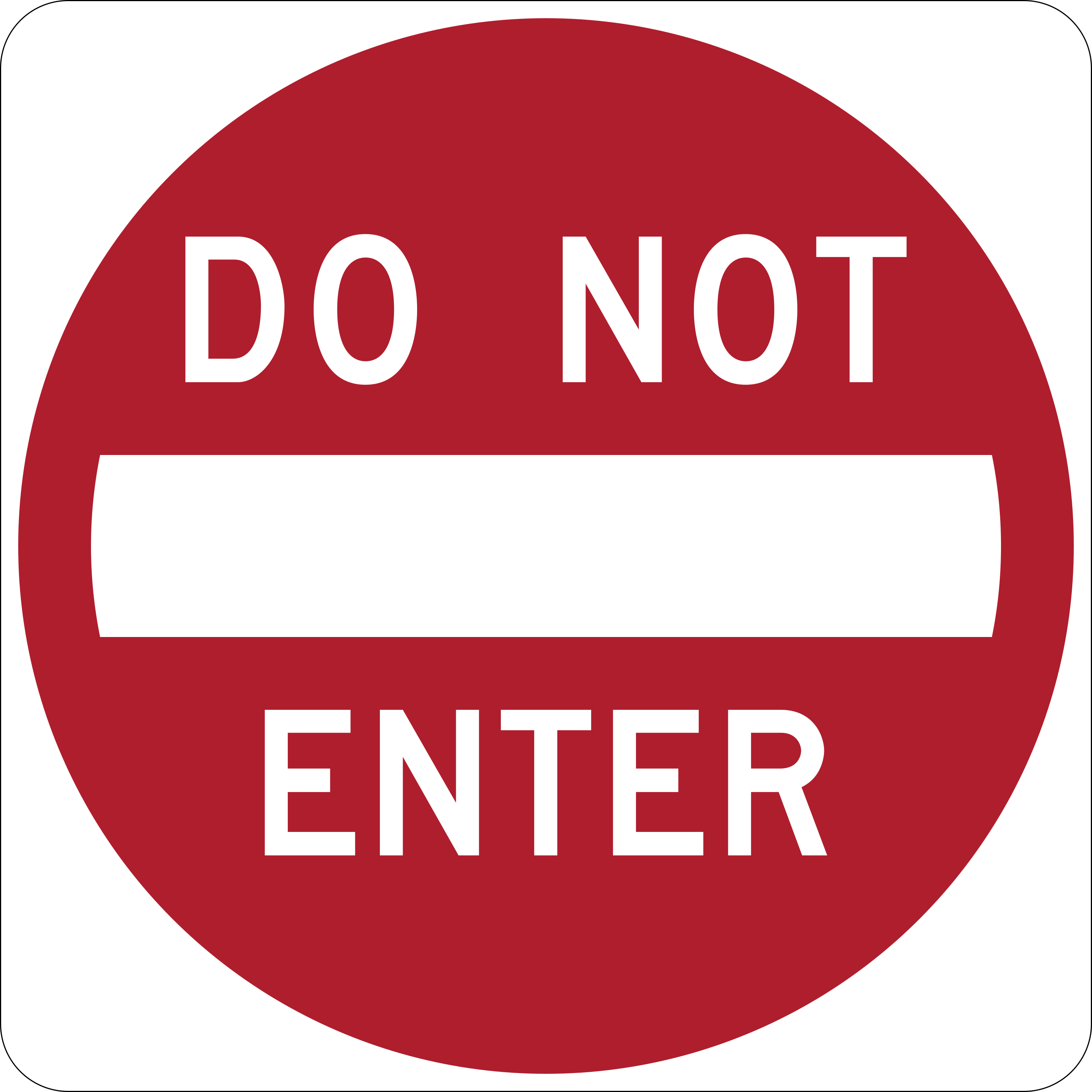
Do Not Enter
Entry into this road or lane is prohibited, usually because it faces oncoming traffic in the wrong direction.
R5-1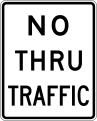
No Through Traffic
Only vehicles with a destination in this area may enter; through traffic must use another route.
R5-12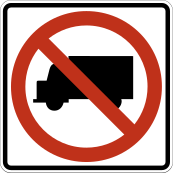
No Trucks
Trucks and heavy vehicles are not allowed on this road.
R5-2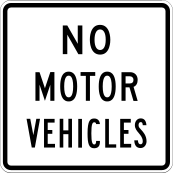
No Motor Vehicles
Motor vehicles of any kind are not allowed on this road or path.
R5-3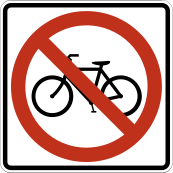
No Bicycles
Bicycles are not allowed on this road or path.
R5-6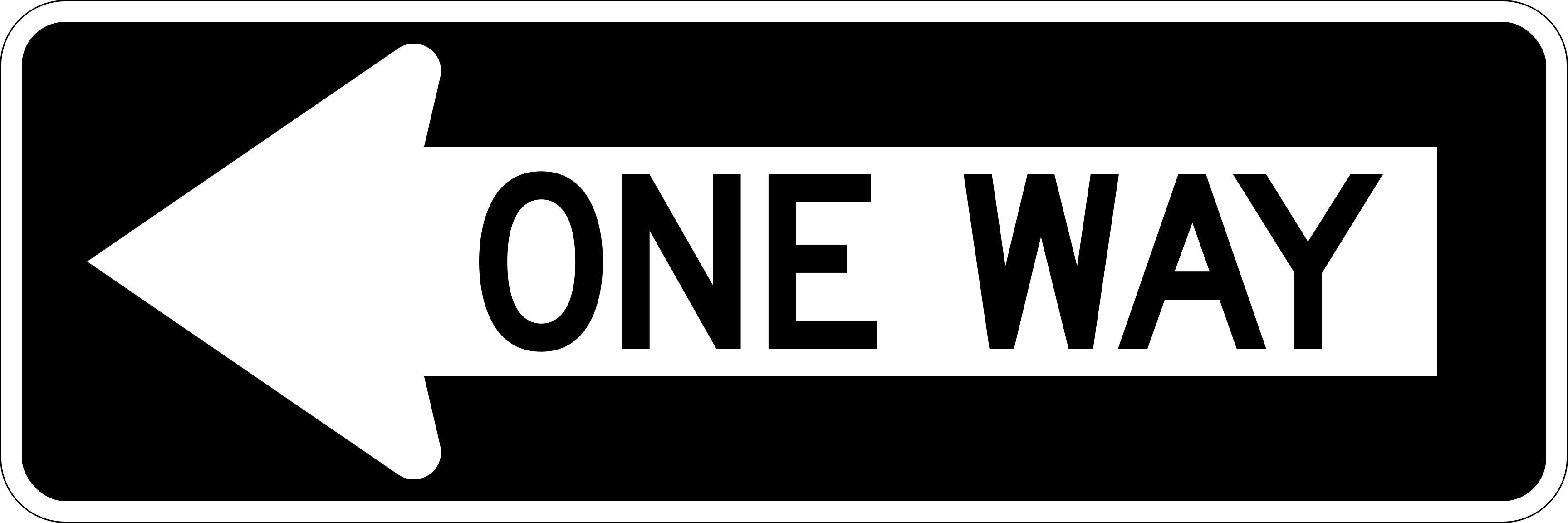
One Way
Traffic on this street moves only in the direction shown by the arrow.
R6-1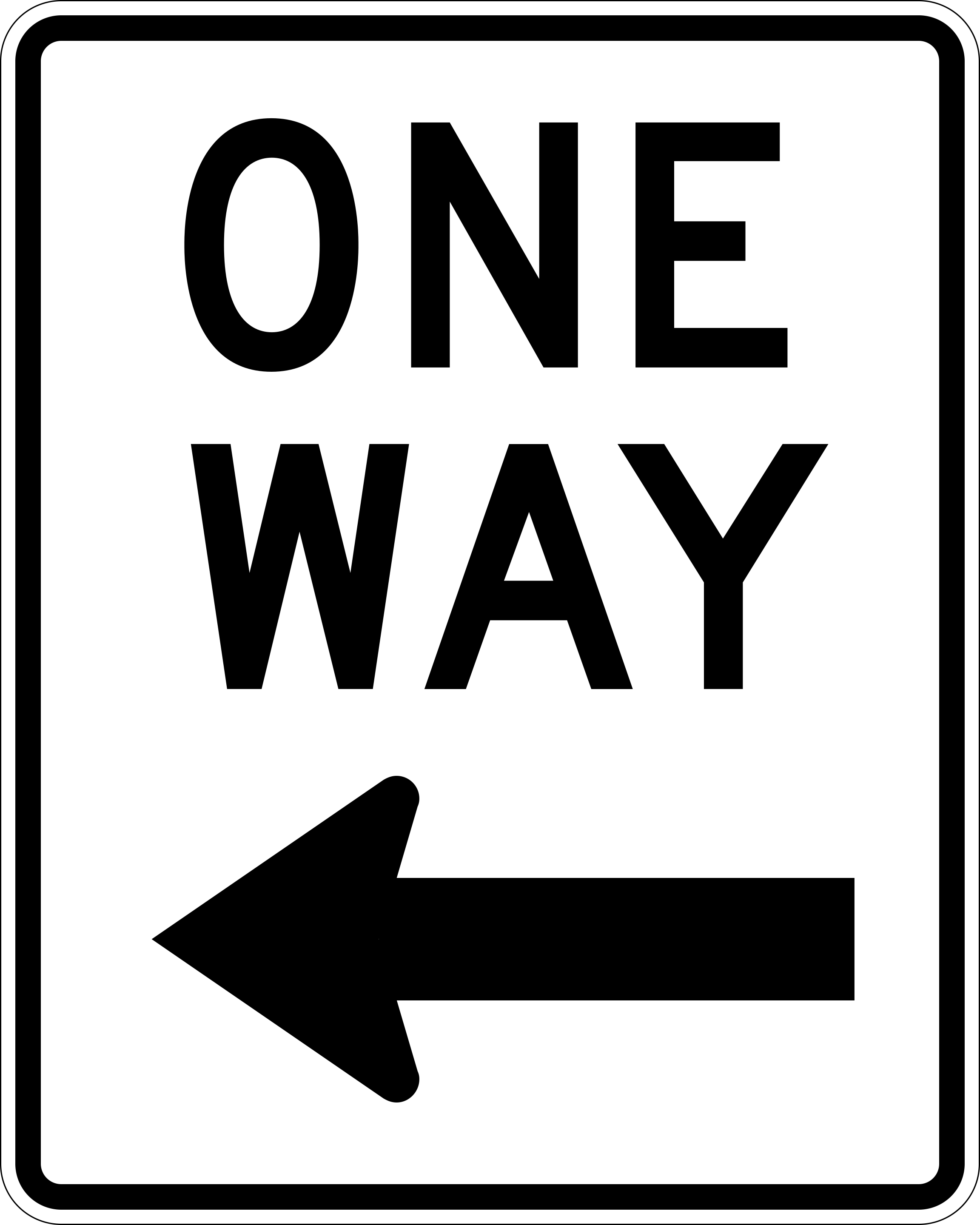
One Way (Wide Arrow)
A wide, horizontal version of the One Way sign, usually mounted overhead, showing the single direction of travel.
R6-2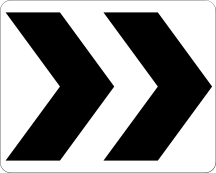
Roundabout Directional Arrow
Shows the direction of travel to follow within a roundabout (traffic circle).
R6-4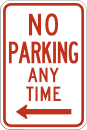
No Parking Any Time
Parking is never allowed here, at any time of day.
R7-1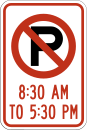
No Parking (Specific Hours)
Parking is not allowed during the specific hours shown on the sign.
R7-2
Paid Parking (Time Limit)
Parking here requires payment and is limited to the time shown.
R7-21
No Stopping Any Time
Stopping, even briefly, is never allowed here, at any time.
R7-4a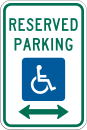
Reserved Parking for Persons with Disabilities
This space is reserved for vehicles displaying a valid disability parking permit or plate.
R7-8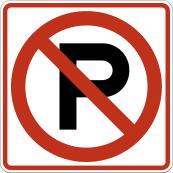
No Parking
Parking is not allowed in this area.
R8-3
Bike Lane Closed
The bike lane is closed ahead; cyclists must merge into the regular travel lane.
R9-12
No Snowmobiles
Snowmobiles are not allowed on this road or path.
R9-15
No All-Terrain Vehicles
All-terrain vehicles (ATVs) are not allowed on this road or path.
R9-16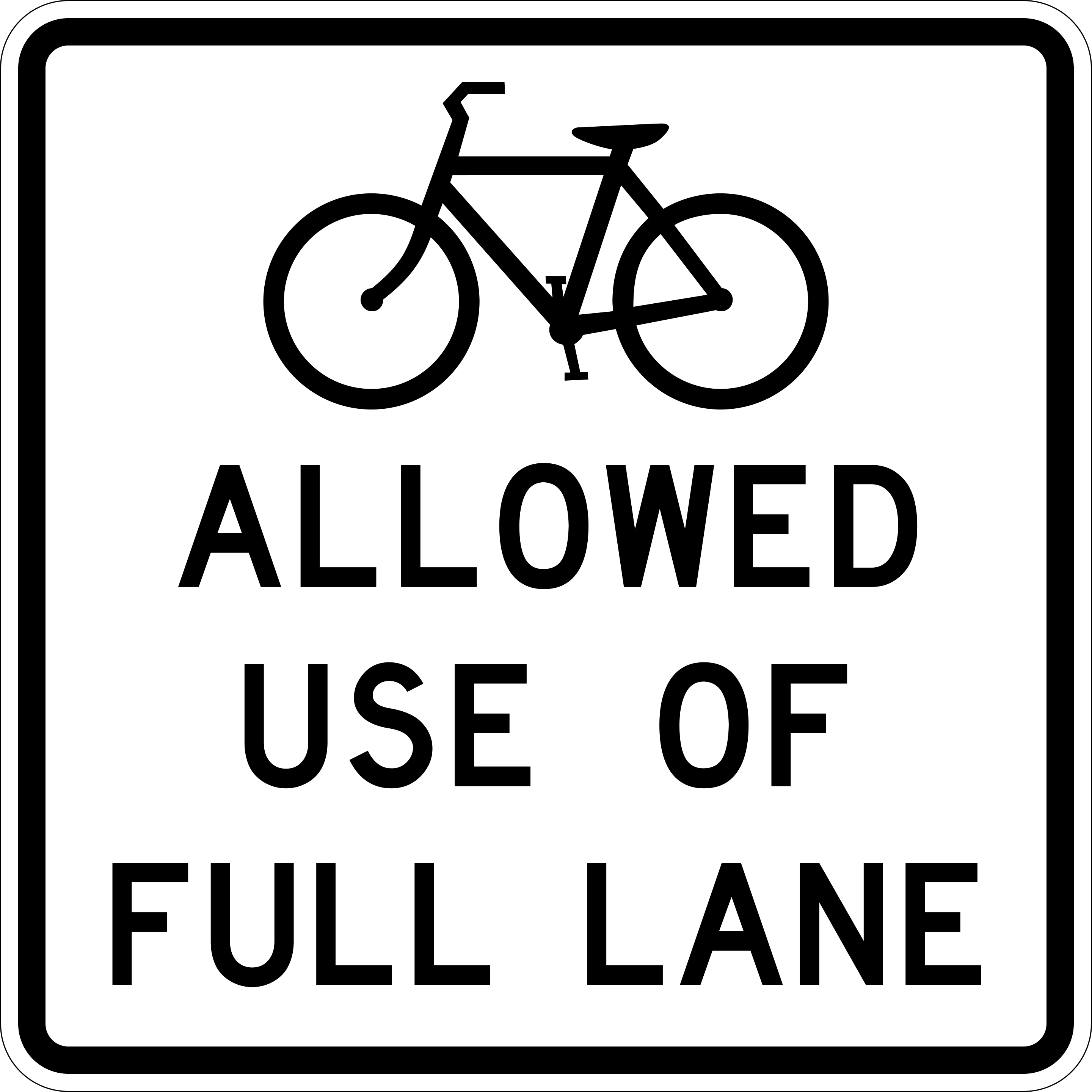
Bicyclist May Use Full Lane
Cyclists are allowed to use the entire width of the lane and are not required to ride at the edge; drivers should change lanes fully to pass them.
R9-20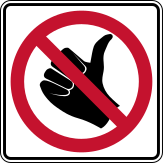
No Hitchhiking
Soliciting rides from passing vehicles (hitchhiking) is not allowed here.
R9-4
Warning signs
Warn about hazards ahead.
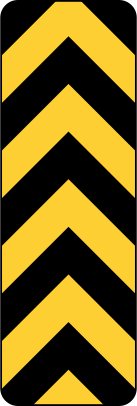
Object Marker (Either Side)
This black-and-yellow striped marker shows an obstruction in the road that may be passed on either side.
OM3-C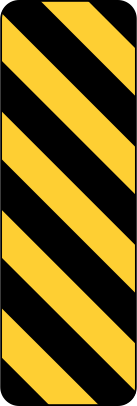
Object Marker (Keep Left)
This black-and-yellow striped diamond marks an obstruction in the road; keep to the left of it, as it lies on the right side of your lane.
OM3-L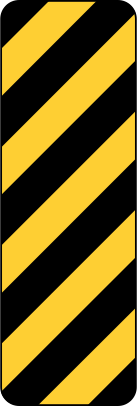
Object Marker (Keep Right)
This black-and-yellow striped diamond marks an obstruction in the road; keep to the right of it, as it lies on the left side of your lane.
OM3-R
Turn
Warns of a sharp turn ahead in the direction shown; slow down before entering it.
W1-1
Curve with Intersection
Warns that a curve and an intersection occur together ahead; slow down and watch for crossing traffic.
W1-10
Hairpin Curve
Warns of an extremely sharp curve ahead that almost doubles back on itself; slow down significantly.
W1-11
Truck Rollover Warning
Warns truck drivers that the curve ahead has a higher risk of rollover at high speed; slow down before the curve.
W1-13
270-Degree Loop
Warns of a loop ramp ahead that turns a full 270 degrees; slow down before entering.
W1-15
Curve
Warns of a moderate curve ahead in the direction shown; adjust your speed before entering it.
W1-2
Reverse Turn
Warns of two sharp curves ahead in opposite directions, one right after the other.
W1-3
Reverse Curve
Warns of two moderate curves ahead in opposite directions, one right after the other.
W1-4
Winding Road
Warns of a series of curves ahead in both directions; slow down for the winding section.
W1-5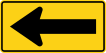
One-Direction Large Arrow
A large arrow marking a sharp curve or the end of the road, showing which way to turn.
W1-6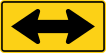
Two-Direction Large Arrow
Marks a point where the road splits into two directions, such as around a median or at a T-intersection.
W1-7
Bicycle Crossing
Warns of an area ahead where bicycles frequently cross or share the road.
W11-1
Truck Crossing
Warns of a point ahead where trucks frequently enter or cross the road, such as a quarry or plant entrance.
W11-10
Golf Cart Crossing
Warns of an area ahead where golf carts frequently cross the road.
W11-11
Horse-Drawn Vehicle
Warns of an area, such as an Amish community, where horse-drawn vehicles share the road.
W11-14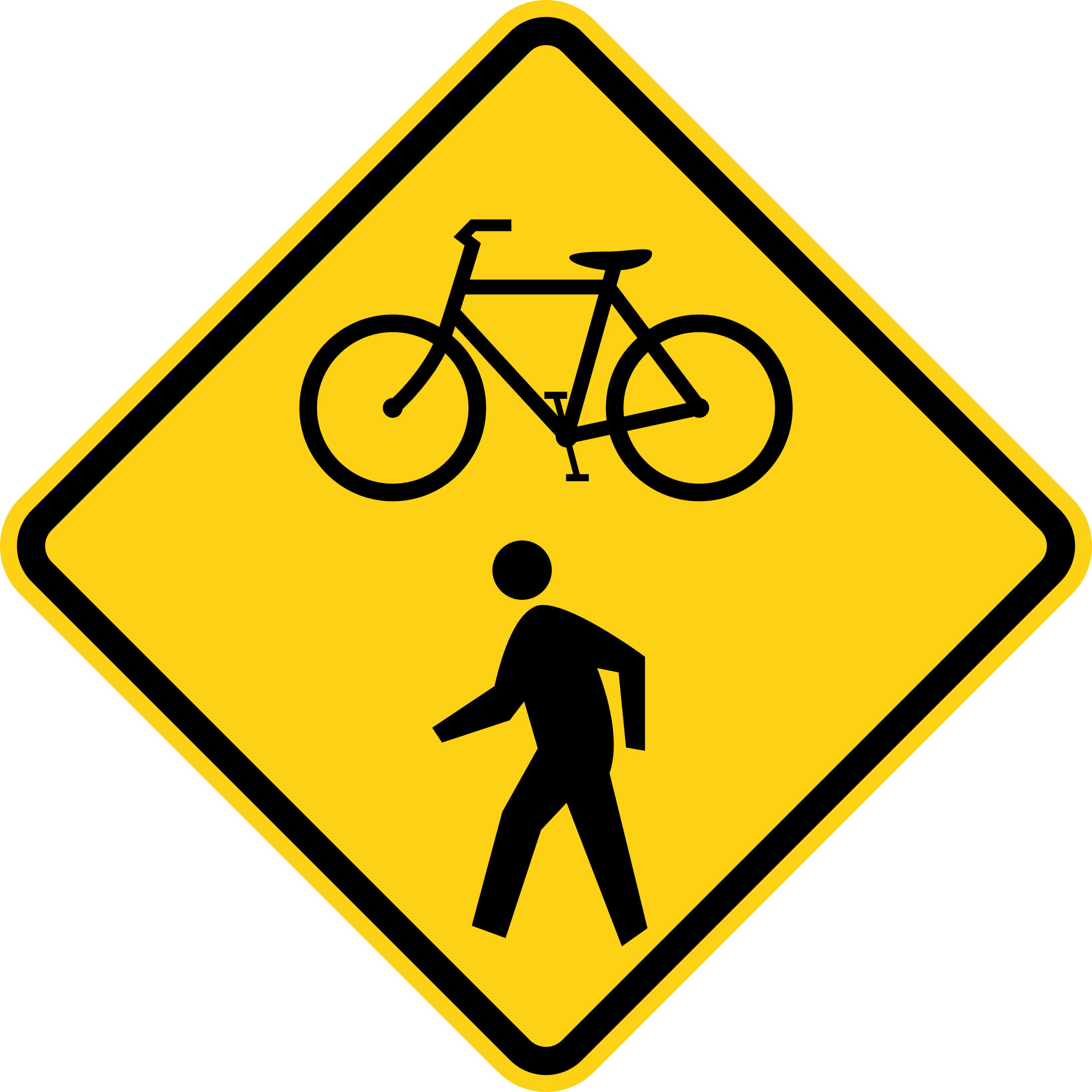
Bicycle and Pedestrian Crossing
Warns of a shared crossing ahead used by both bicyclists and pedestrians.
W11-15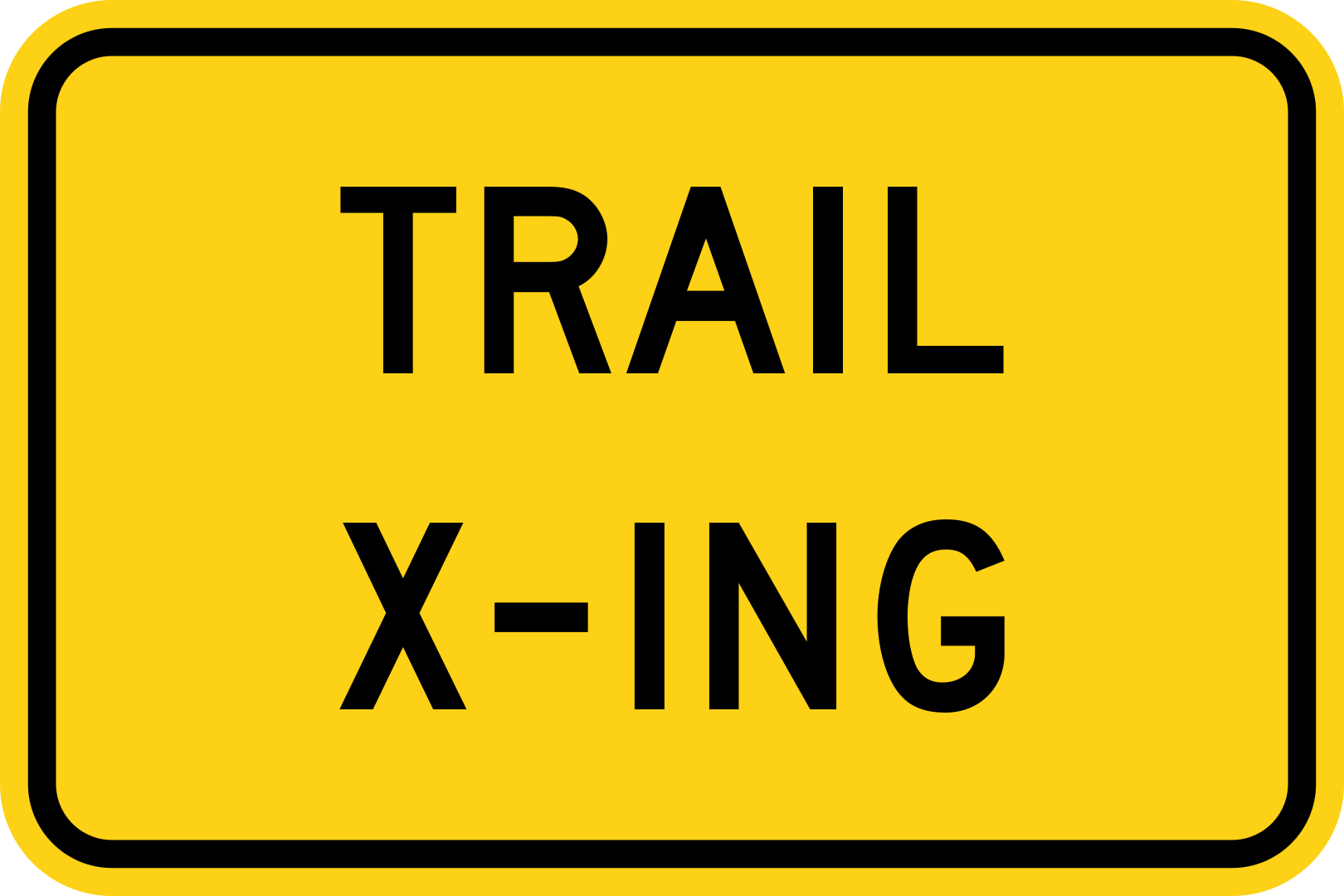
Trail Crossing (Plaque)
This plaque indicates that a hiking or nature trail crosses the road at this point.
W11-15P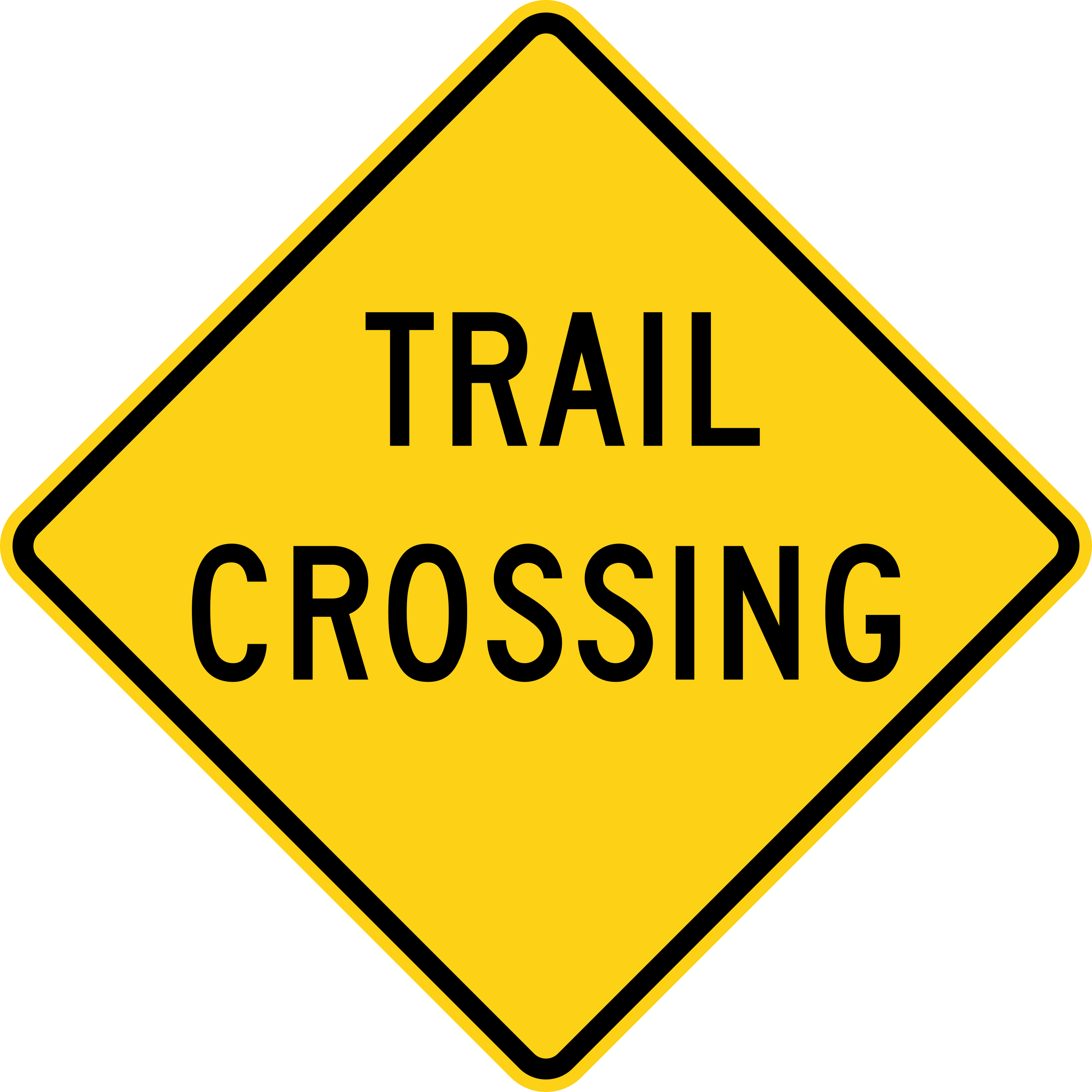
Trail Crossing
Warns of a point ahead where a trail crosses the road.
W11-15a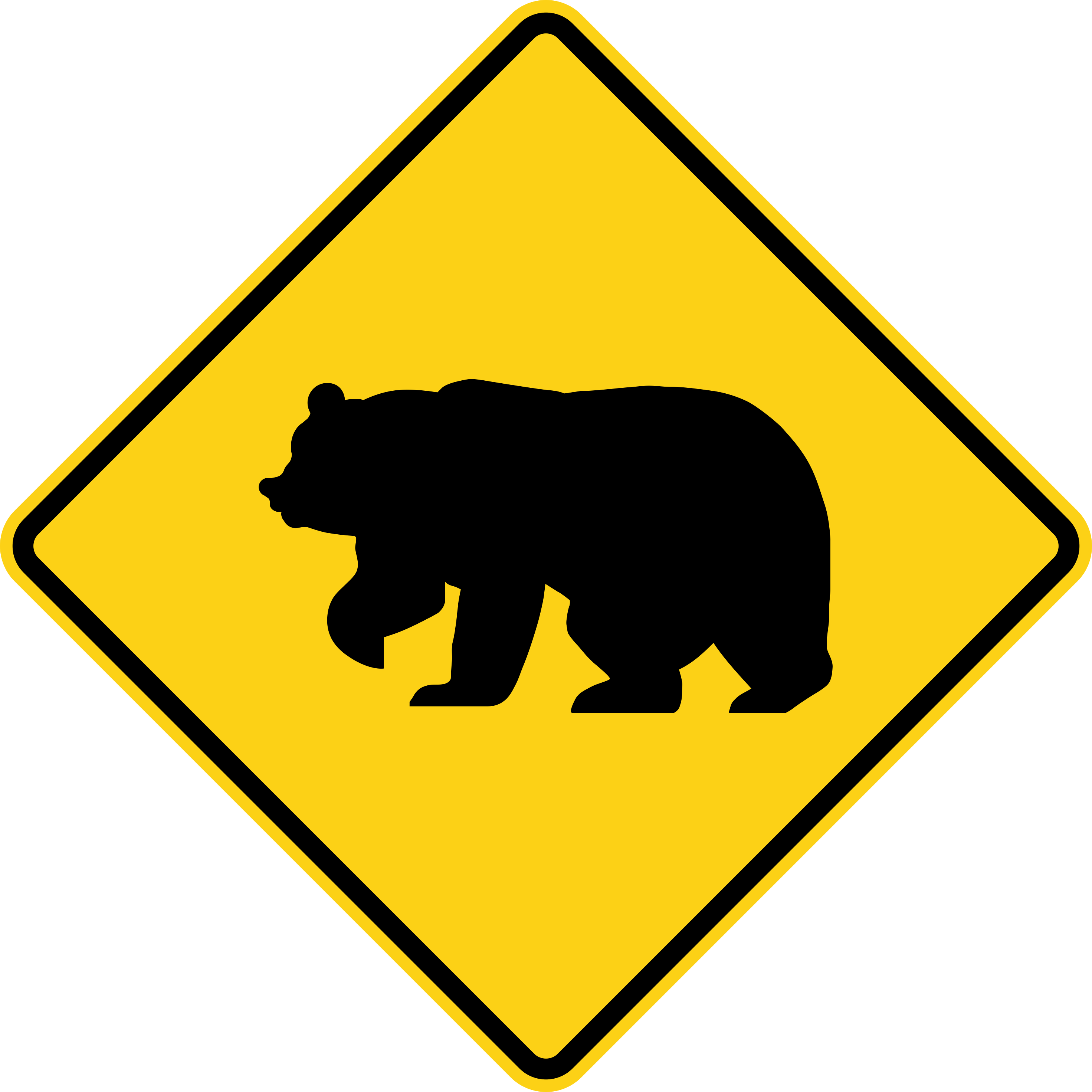
Bear Crossing
Warns that bears or other large wildlife may cross the road in this area.
W11-16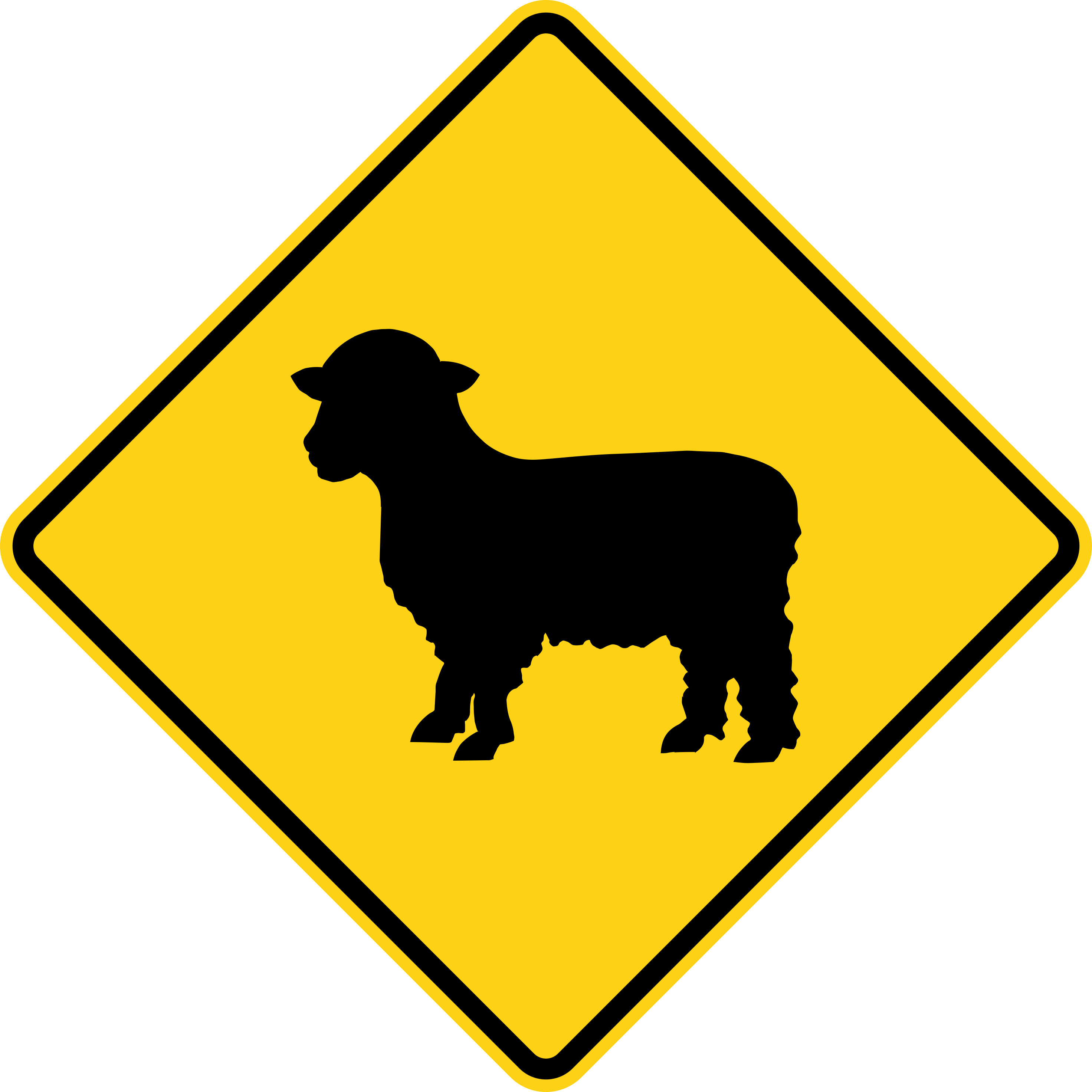
Sheep Crossing
Warns that a flock of sheep may cross or be on the road in this area.
W11-17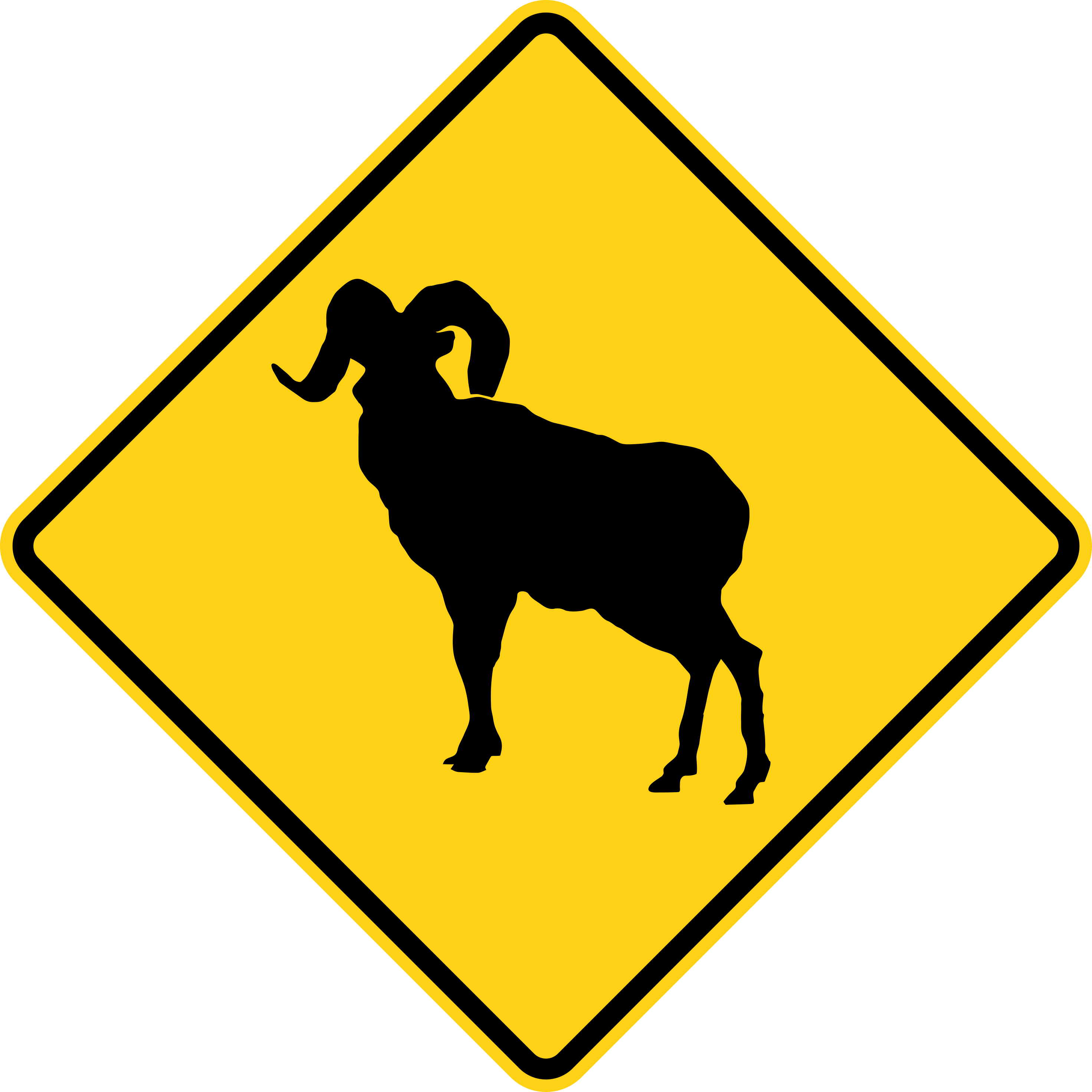
Bighorn Sheep Crossing
Warns that bighorn sheep may cross the road in this area.
W11-18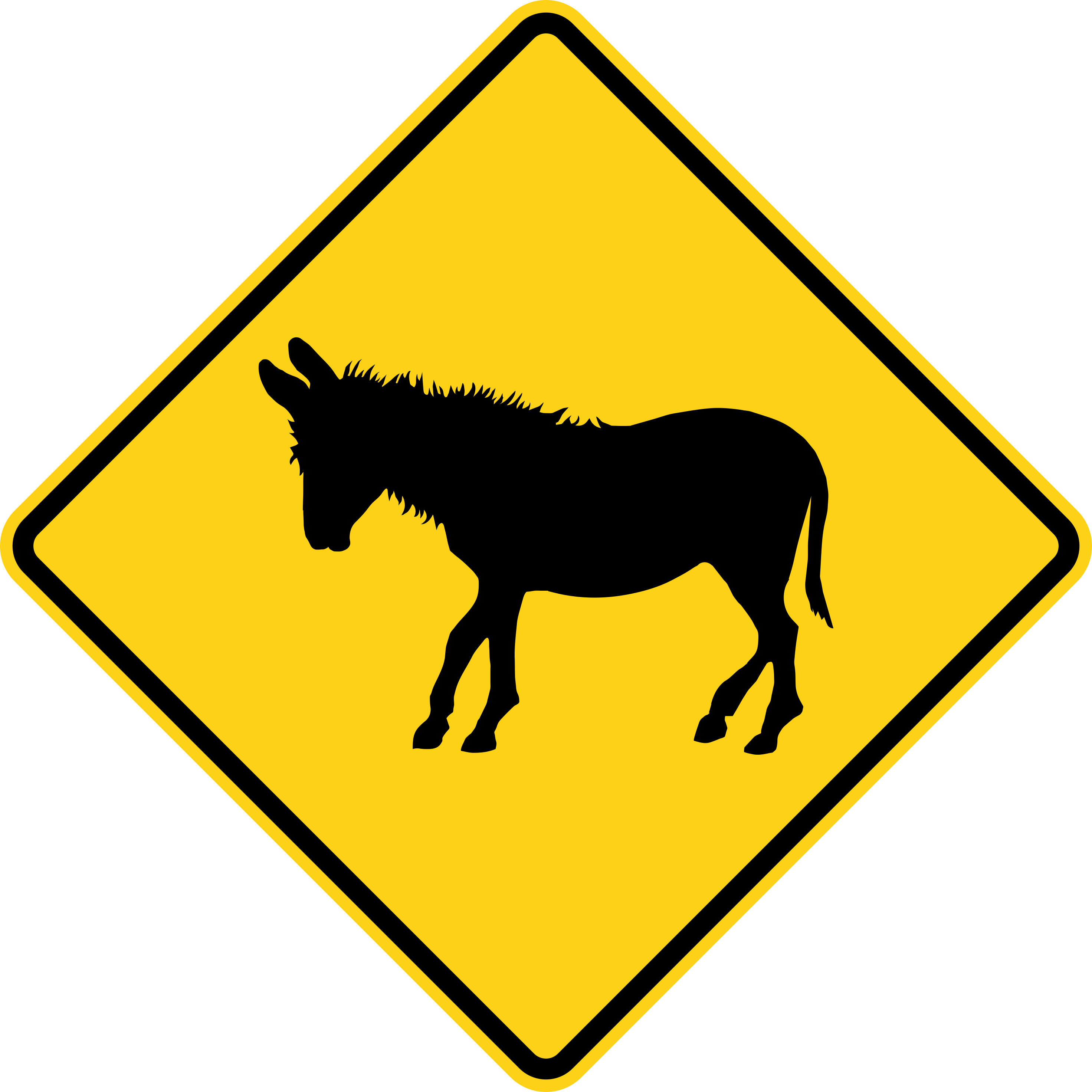
Donkey Crossing
Warns that donkeys or burros may cross the road in this area.
W11-19
Pedestrian Crossing
Warns of an area ahead where pedestrians frequently cross the road.
W11-2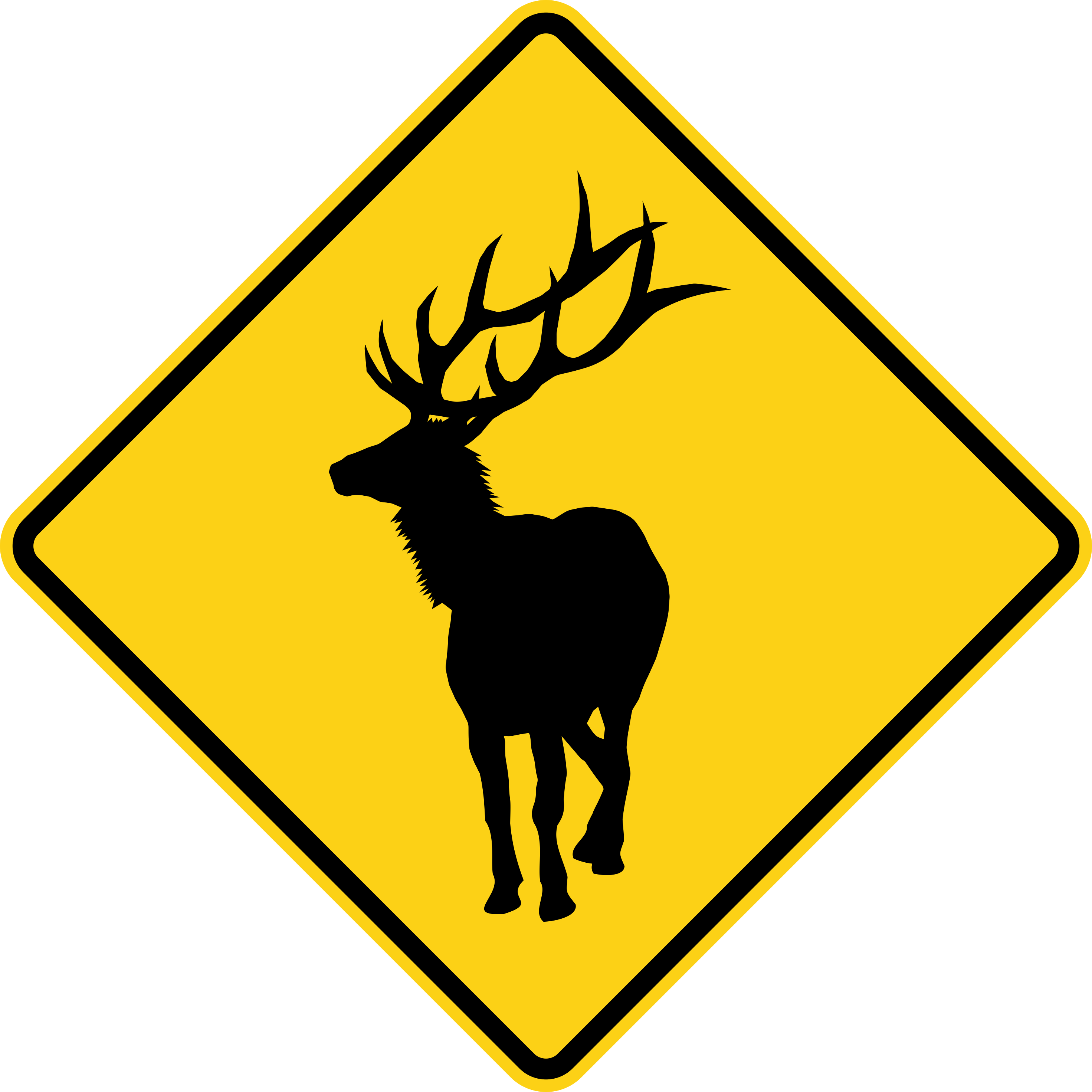
Elk Crossing
Warns that elk may cross the road in this area.
W11-20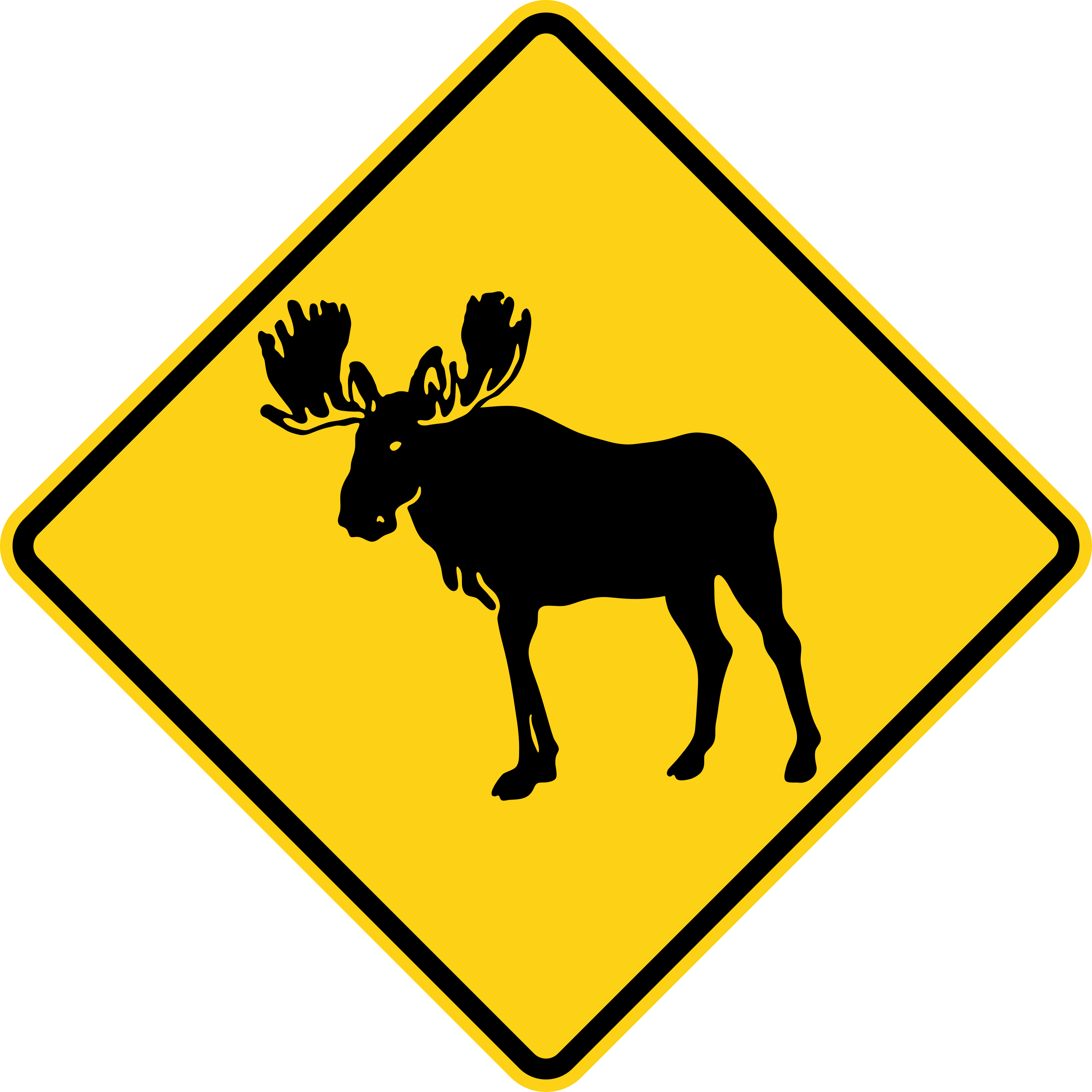
Moose Crossing
Warns that moose, a very large and dangerous animal to hit, may cross the road in this area.
W11-21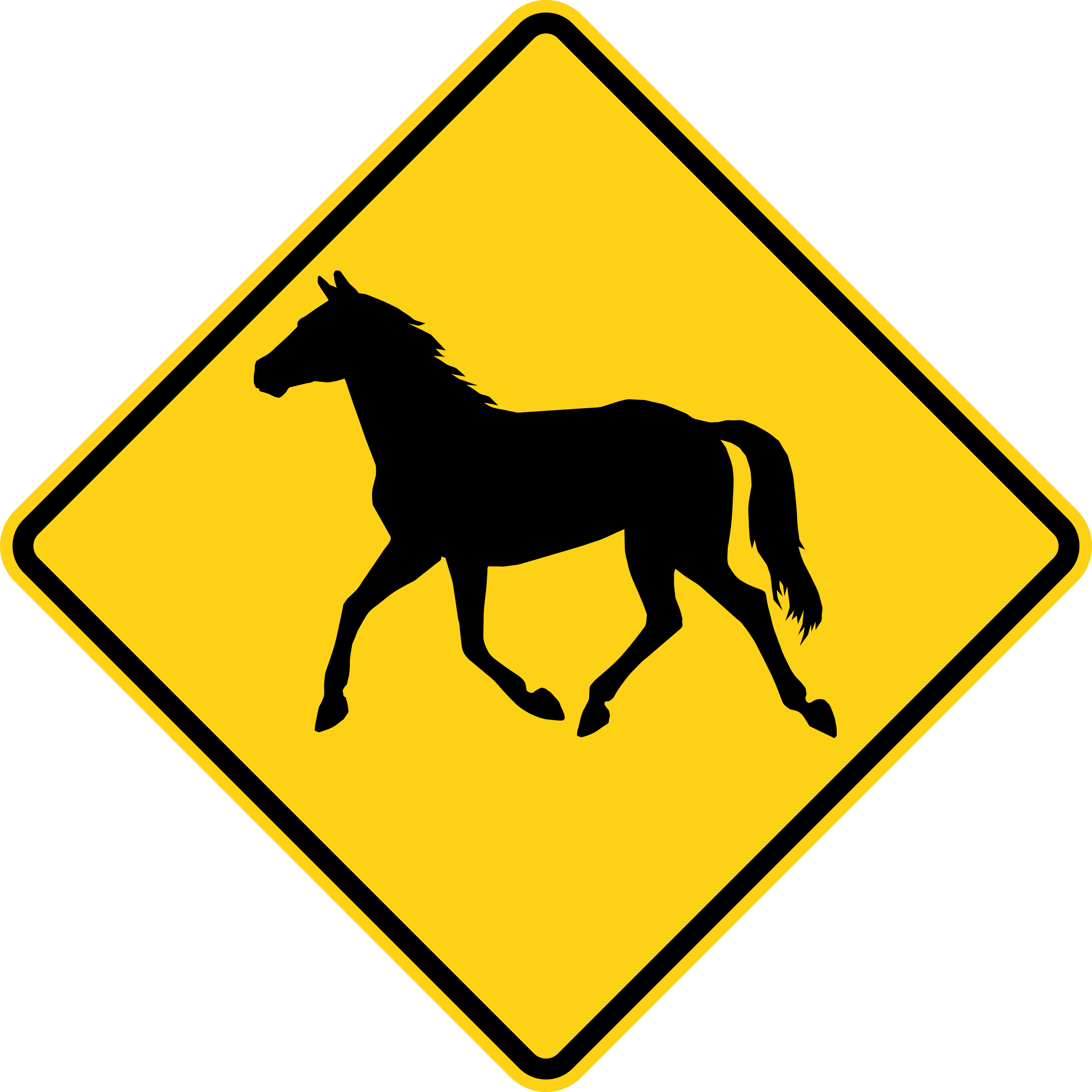
Wild Horse Crossing
Warns that wild horses may cross the road in this area.
W11-22
Deer Crossing
Warns of a deer crossing area; watch for deer suddenly entering the road, especially at dawn and dusk.
W11-3
Cattle Crossing
Warns that livestock (cattle) may cross or be present on the road in this area.
W11-4
Farm Vehicle
Warns that slow-moving farm machinery may enter or travel on the road ahead.
W11-5
Snowmobile Crossing
Warns of an area ahead where snowmobiles frequently cross the road.
W11-6
Equestrian Crossing
Warns of an area ahead where horseback riders share or cross the road.
W11-7
Emergency Vehicle Crossing
Warns of a point ahead where emergency vehicles, such as fire trucks or ambulances, frequently enter the road.
W11-8
Accessible Crossing (Wheelchair)
Warns of an area ahead where pedestrians using wheelchairs or with disabilities frequently cross.
W11-9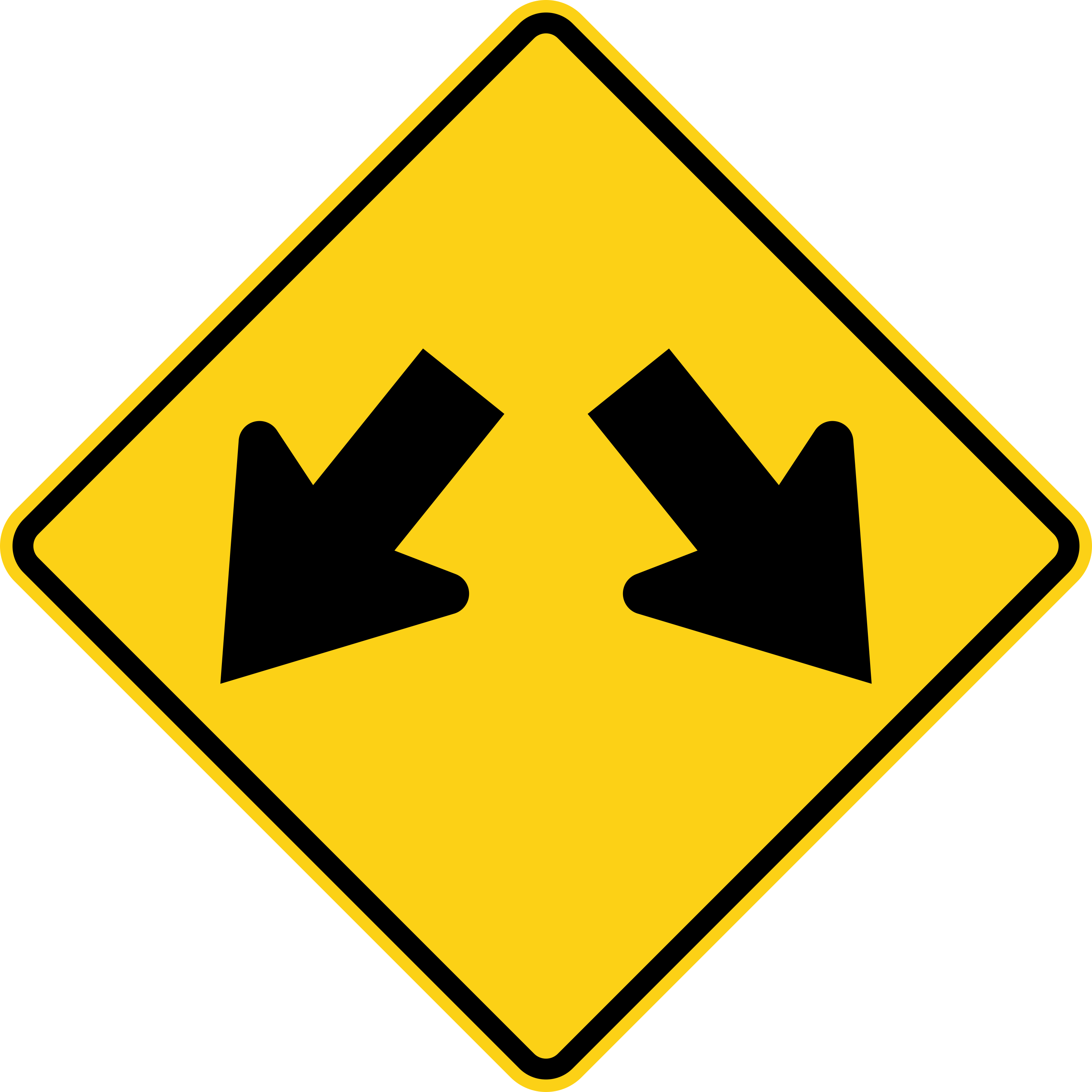
Double Arrow
Marks an obstruction or median in the road that traffic must pass on either side of.
W12-1
Low Clearance
Warns of a low overhead structure, such as a bridge or tunnel, ahead; the height shown is the maximum vehicle clearance.
W12-2
Dead End
Warns that the road ends ahead with no through connection.
W14-1
Dead End (with Arrow)
Same as Dead End, with an arrow showing the direction of the road that ends.
W14-1a
No Outlet
Warns that the road network ahead does not connect through to another road; it is a dead-end area, even if it has branches.
W14-2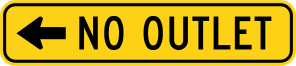
No Outlet (with Arrow)
Same as No Outlet, with an arrow showing the direction of the road network that does not connect through.
W14-2a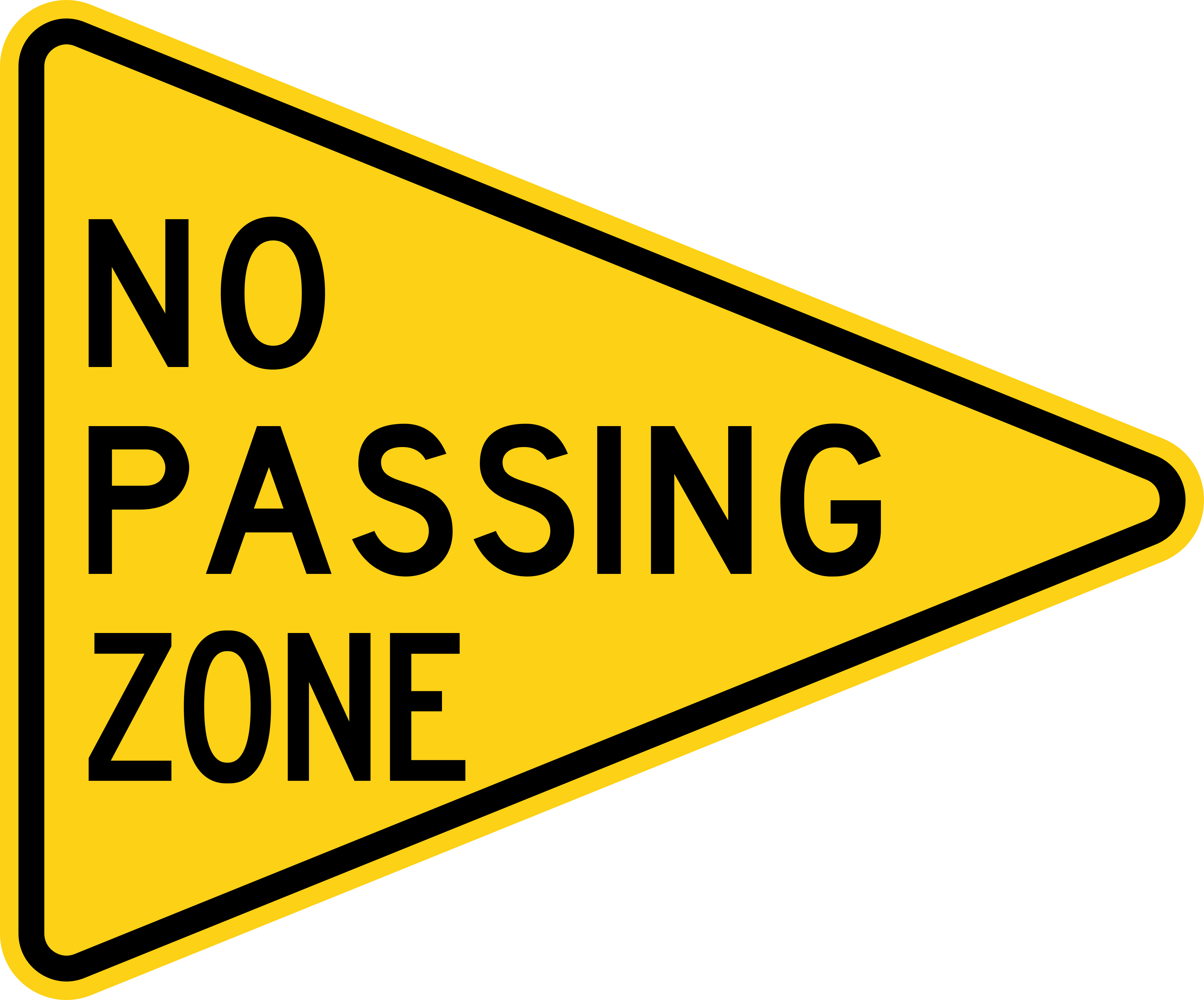
No Passing Zone
This pennant-shaped sign marks the start of a no-passing zone, where overtaking other vehicles is not allowed.
W14-3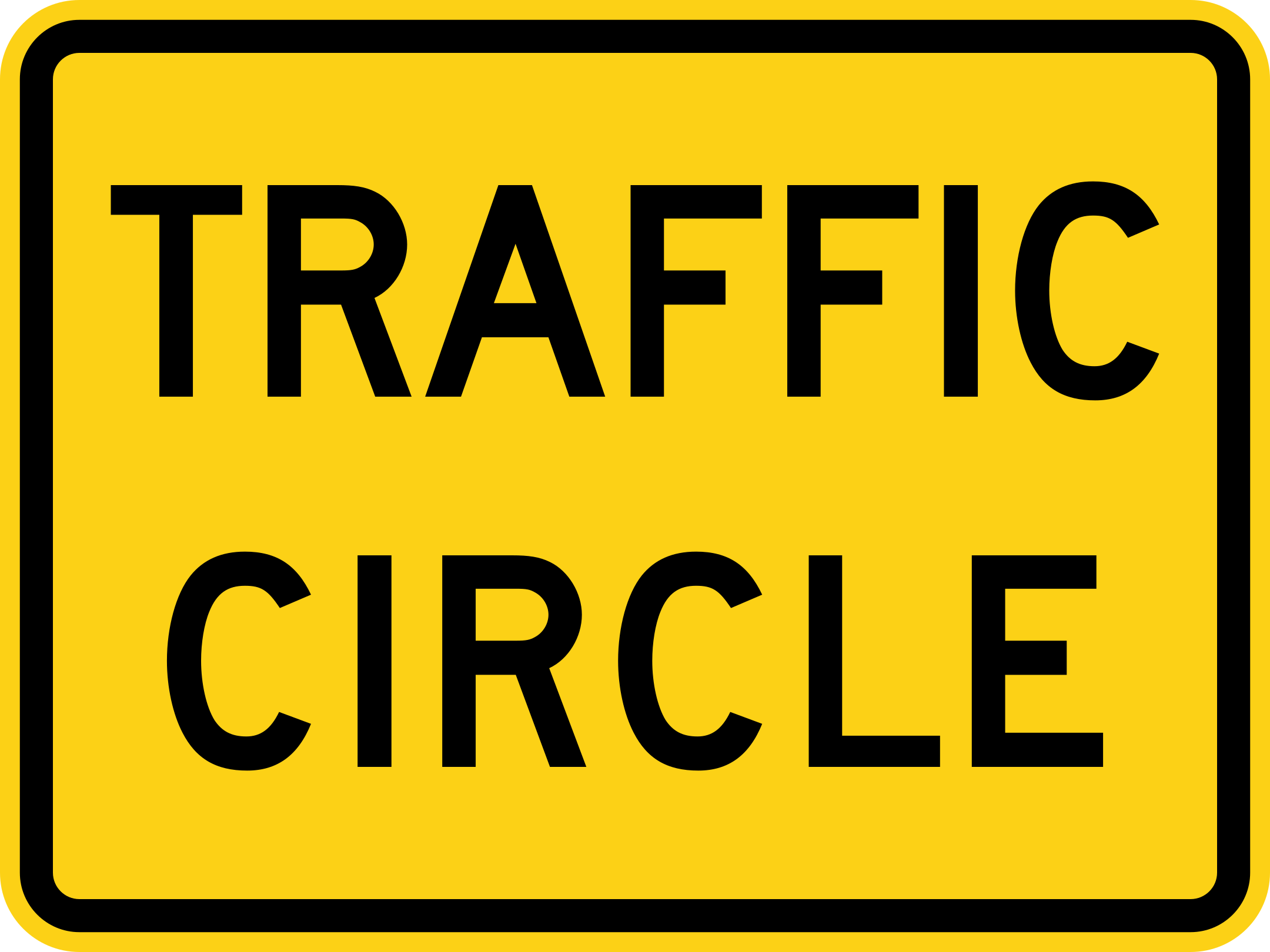
Traffic Circle (Plaque)
This plaque tells drivers that the warning sign above it relates to an upcoming traffic circle or roundabout.
W16-12P
Crossroad
Warns of an intersection ahead where a road crosses from both sides.
W2-1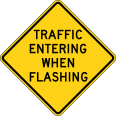
Traffic Entering When Flashing
Warns that when the beacon is flashing, vehicles from a side road may enter the main road; drive with caution.
W2-10
Side Road
Warns of a side road joining the main road ahead from one side.
W2-2
Side Road at an Angle
Warns of a side road joining the main road ahead at an angle.
W2-3
Circular Intersection
Warns of a circular intersection, such as a roundabout, ahead.
W2-6
Offset Side Roads
Warns of two side roads ahead entering from opposite sides but not directly across from each other.
W2-7
Double Side Roads
Warns of two side roads ahead entering from directly opposite sides at the same point.
W2-8
Stop Ahead
Warns of a stop sign or controlled intersection ahead; begin slowing down now.
W3-1
Yield Ahead
Warns of a yield sign ahead; be ready to slow down or stop for other traffic.
W3-2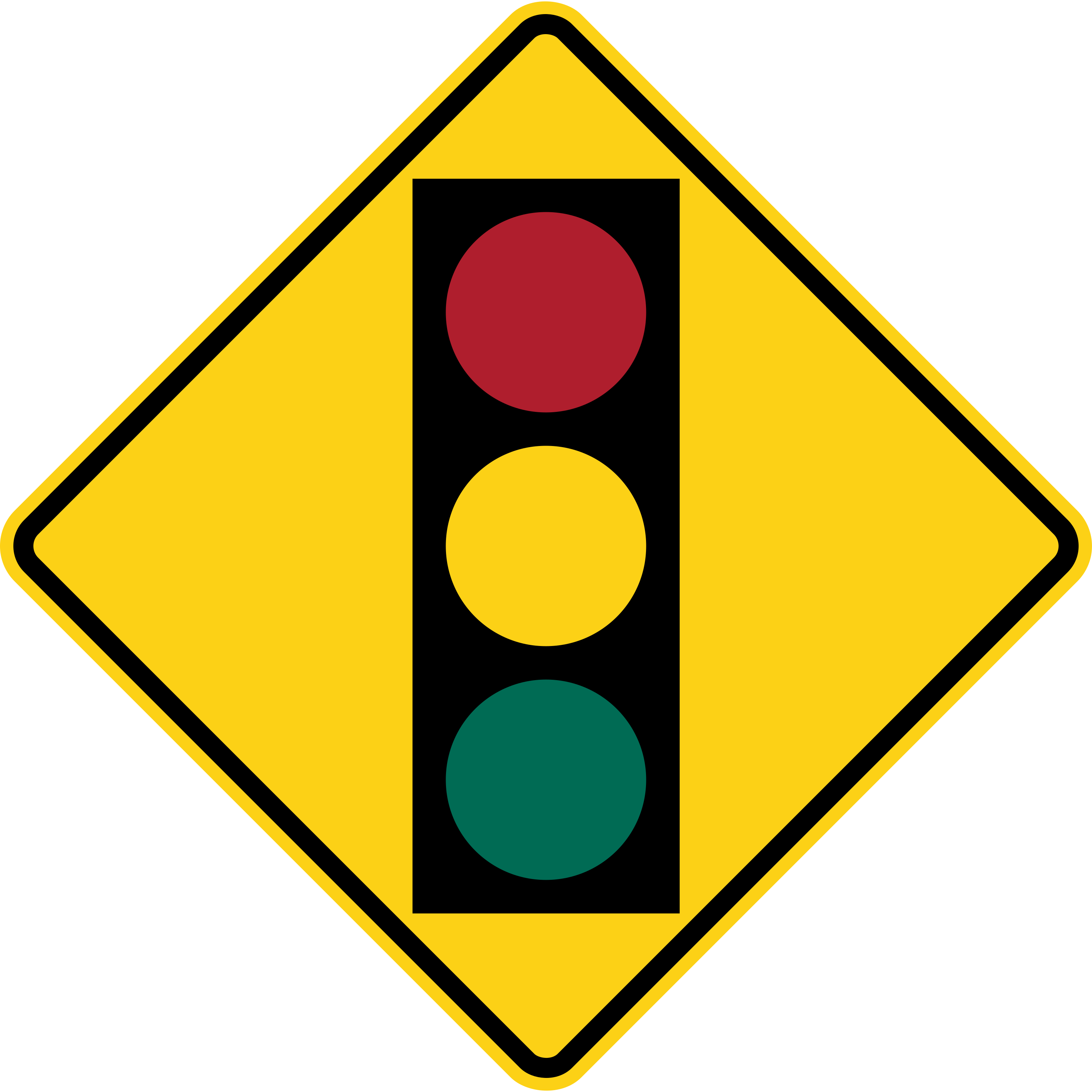
Signal Ahead
Warns of a traffic signal ahead; be prepared to stop if the light is red.
W3-3
Be Prepared to Stop
Warns that traffic ahead may stop unexpectedly, such as in a frequent backup; slow down and be ready to stop.
W3-4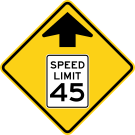
Reduced Speed Limit Ahead
Warns that the speed limit drops ahead; start slowing down to meet the new limit.
W3-5
Traffic Using Shoulder
Warns that the shoulder ahead is temporarily used as an extra travel lane; watch for vehicles there.
W3-9
Merge
Warns that traffic from a side road or ramp will merge into your lane ahead; be ready to adjust speed or change lanes.
W4-1
Lane Ends
Warns that your lane ends ahead and you must merge into the adjacent lane.
W4-2
Added Lane
Warns that a new lane is being added to the road ahead from a ramp or side road, without requiring traffic to merge.
W4-3
Entering Roadway Merge
Warns drivers entering the main road from a ramp that they must merge with existing traffic.
W4-5
Entering Roadway Added Lane
Shows drivers entering from a ramp that their lane continues as a separate added lane, rather than requiring an immediate merge.
W4-6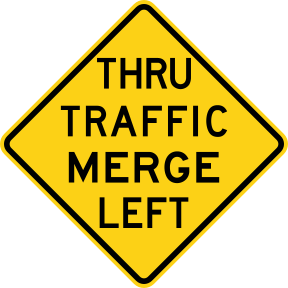
Through Traffic Merge Left
Warns through traffic that they must merge left ahead, often because their lane is ending or becoming an exit-only lane.
W4-7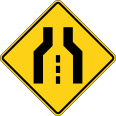
Single Lane Transition
Warns that a multi-lane road ahead narrows to a single lane; prepare to merge in advance.
W4-8
Road Narrows
Warns that the road ahead becomes narrower; adjust position and speed accordingly.
W5-1
Narrow Bridge
Warns of a narrow bridge ahead; slow down and use caution, especially if meeting oncoming traffic.
W5-2
One-Lane Bridge
Warns of a bridge ahead with only one lane; you may need to yield to oncoming traffic before crossing.
W5-3
Ramp Narrows
Warns that the exit or entrance ramp ahead becomes narrower.
W5-4
Divided Highway Begins
Warns that the road ahead becomes divided by a median, separating opposing traffic.
W6-1
Divided Highway Ends
Warns that the median dividing traffic ends ahead, and you will share the road with oncoming traffic.
W6-2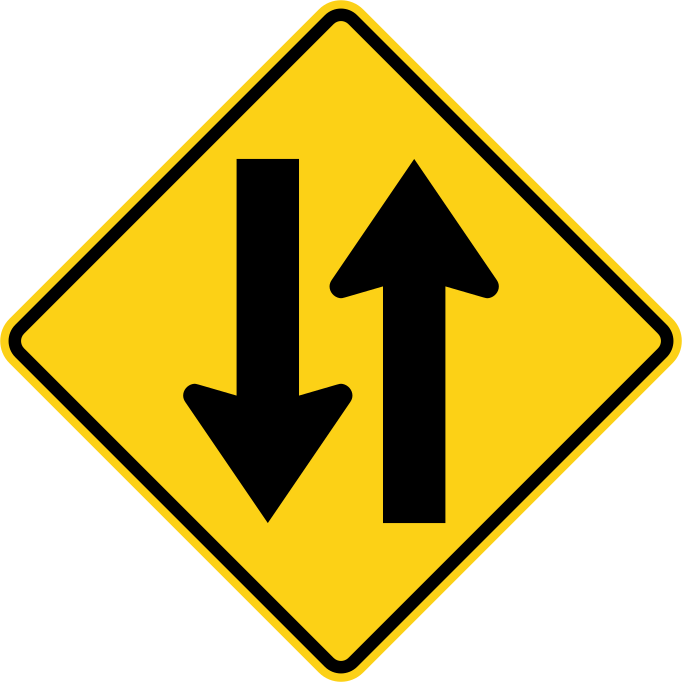
Two-Way Traffic
Warns that you are entering a section of undivided road where traffic travels in both directions.
W6-3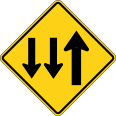
Two-Way Traffic (3-Lane Road)
Warns of entering a three-lane road where the center lane can be used by traffic from both directions.
W6-5
Steep Hill
Warns of a steep hill or grade ahead; check your brakes and adjust speed, especially for large or heavy vehicles.
W7-1
Next XX Miles (Plaque)
This plaque tells you how many miles the warning sign above it remains in effect.
W7-3aP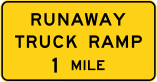
Runaway Truck Ramp
Marks an emergency ramp ahead for trucks that lose their brakes on a steep downgrade.
W7-4
Bump
Warns of a bump or raised section in the road ahead; slow down to avoid damage or loss of control.
W8-1
Uneven Lanes
Warns that adjacent lanes have a difference in height, which can be hazardous when changing lanes.
W8-11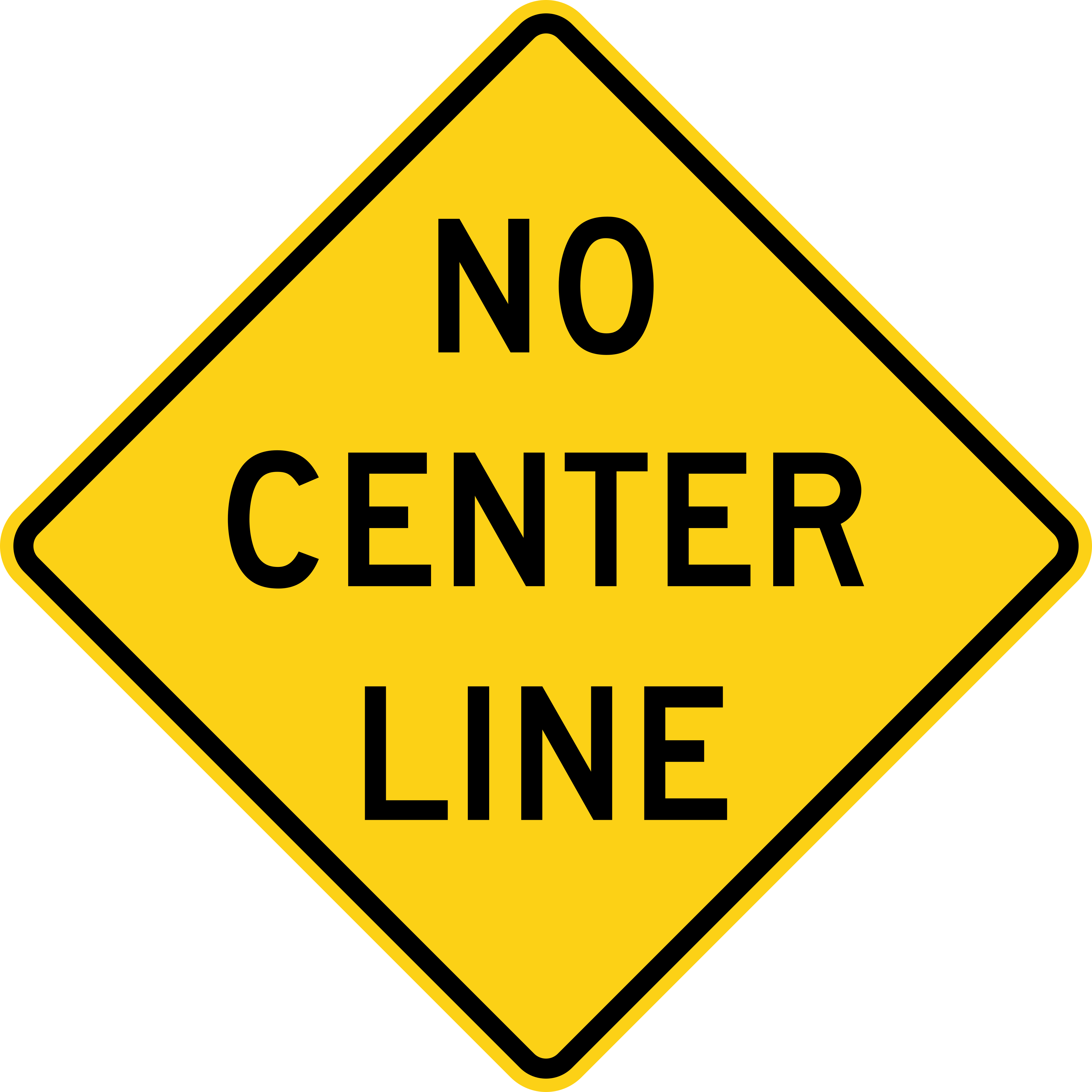
No Center Line
Warns that the road ahead has no center line marking; use extra caution positioning your vehicle.
W8-12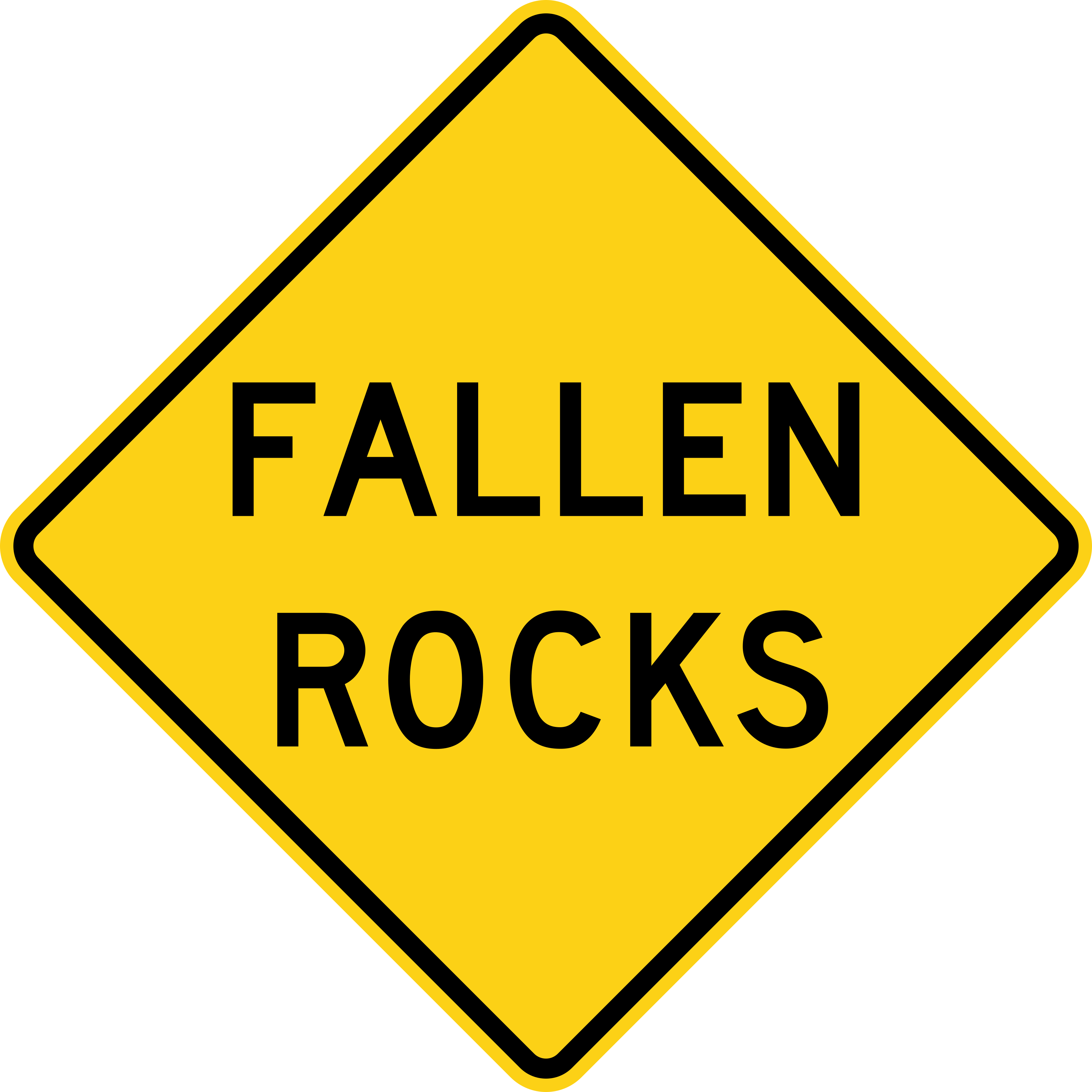
Fallen Rocks
Warns that rocks may fall onto the road ahead, or debris may already be present.
W8-14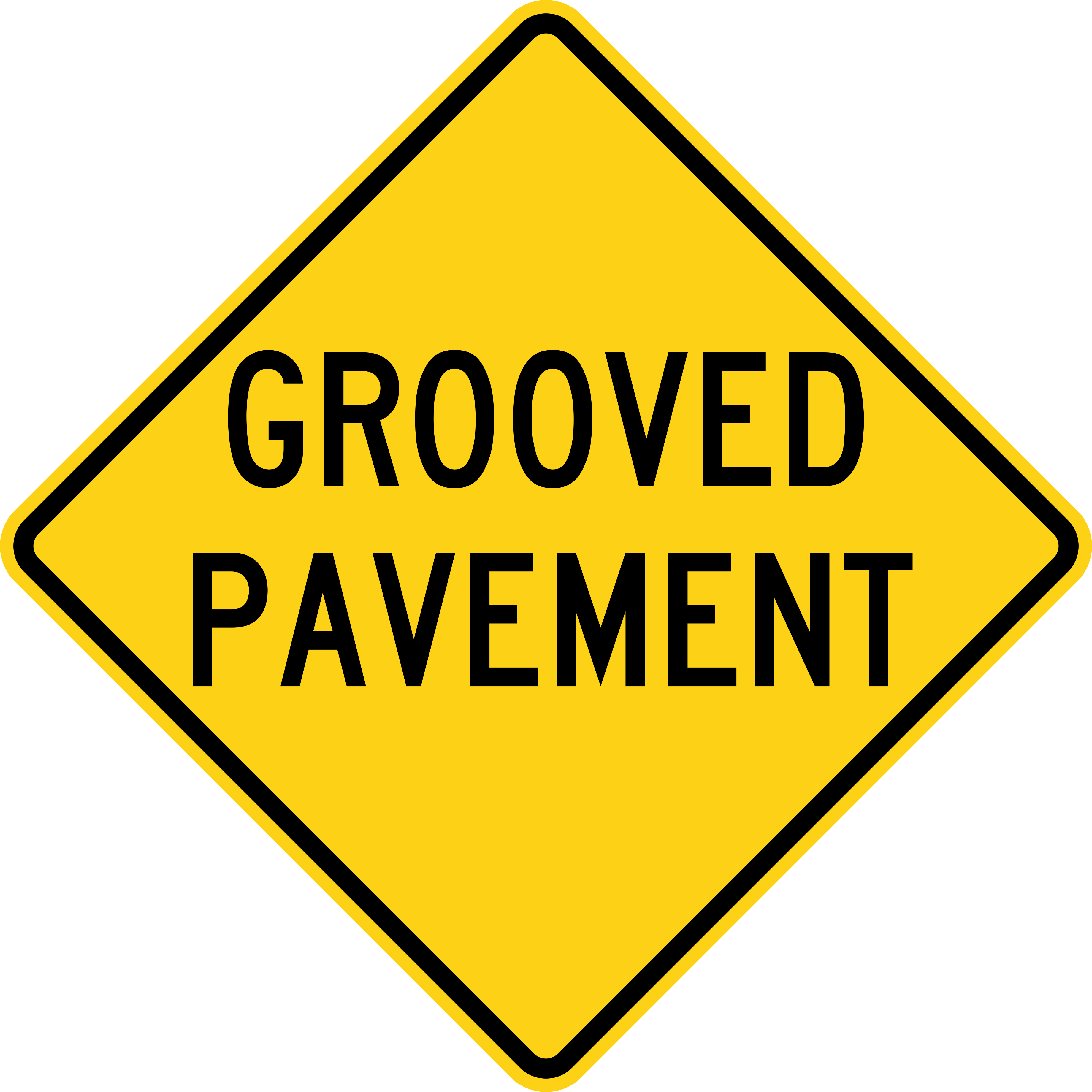
Grooved Pavement
Warns that the road surface ahead has grooves, which can affect steering, especially for motorcycles.
W8-15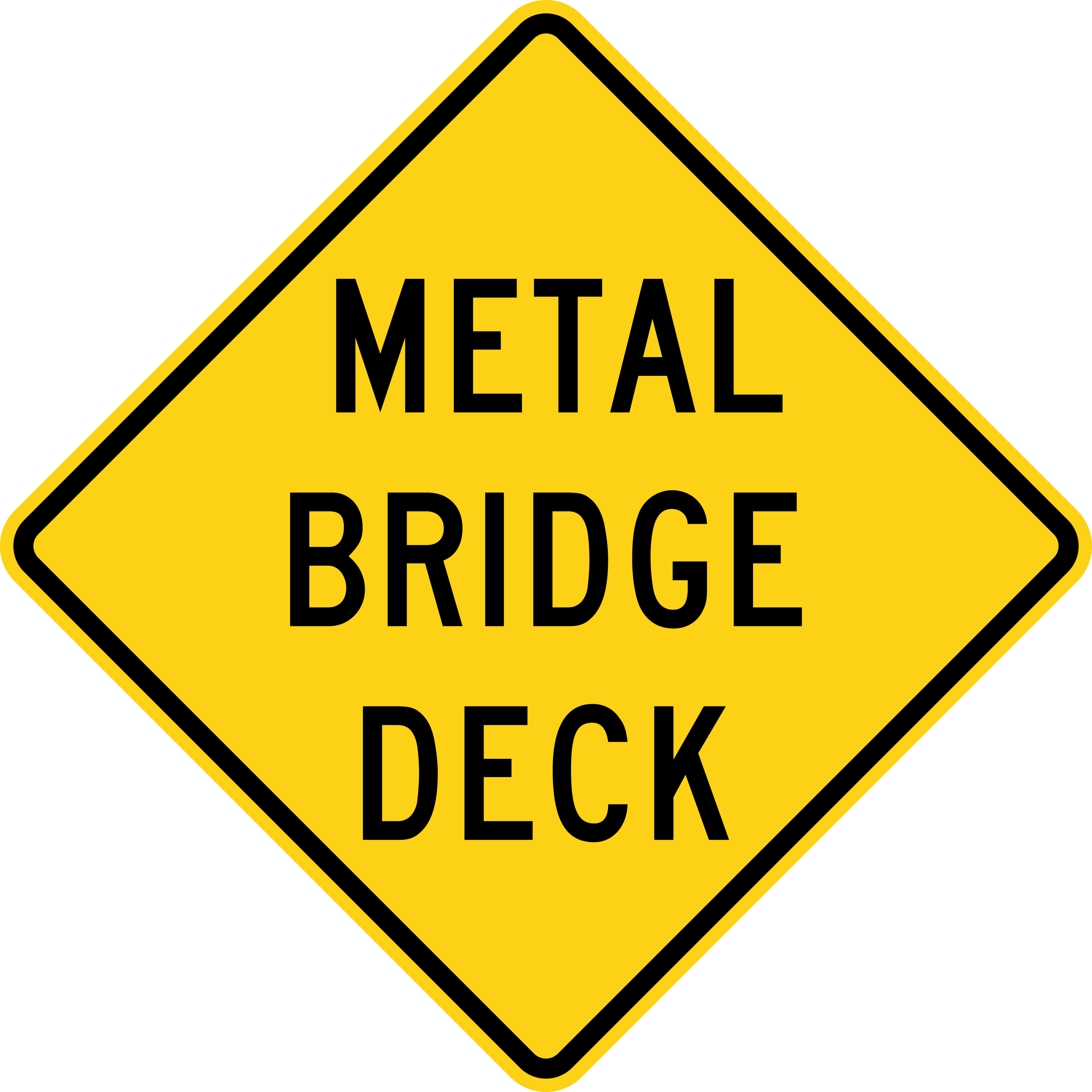
Metal Bridge Deck
Warns that the bridge surface ahead is metal and can become slippery when wet.
W8-16
Shoulder Drop-Off
Warns of a drop or step between the road surface and the shoulder ahead.
W8-17
Road May Flood
Warns that this section of road can flood during heavy rain; avoid driving through if water is present.
W8-18
Flood Depth Gauge
Shows a marked scale for measuring water depth on the road during a flood; do not drive through if the water is too deep.
W8-19
Dip
Warns of a low dip in the road ahead; slow down to avoid bottoming out or losing control.
W8-2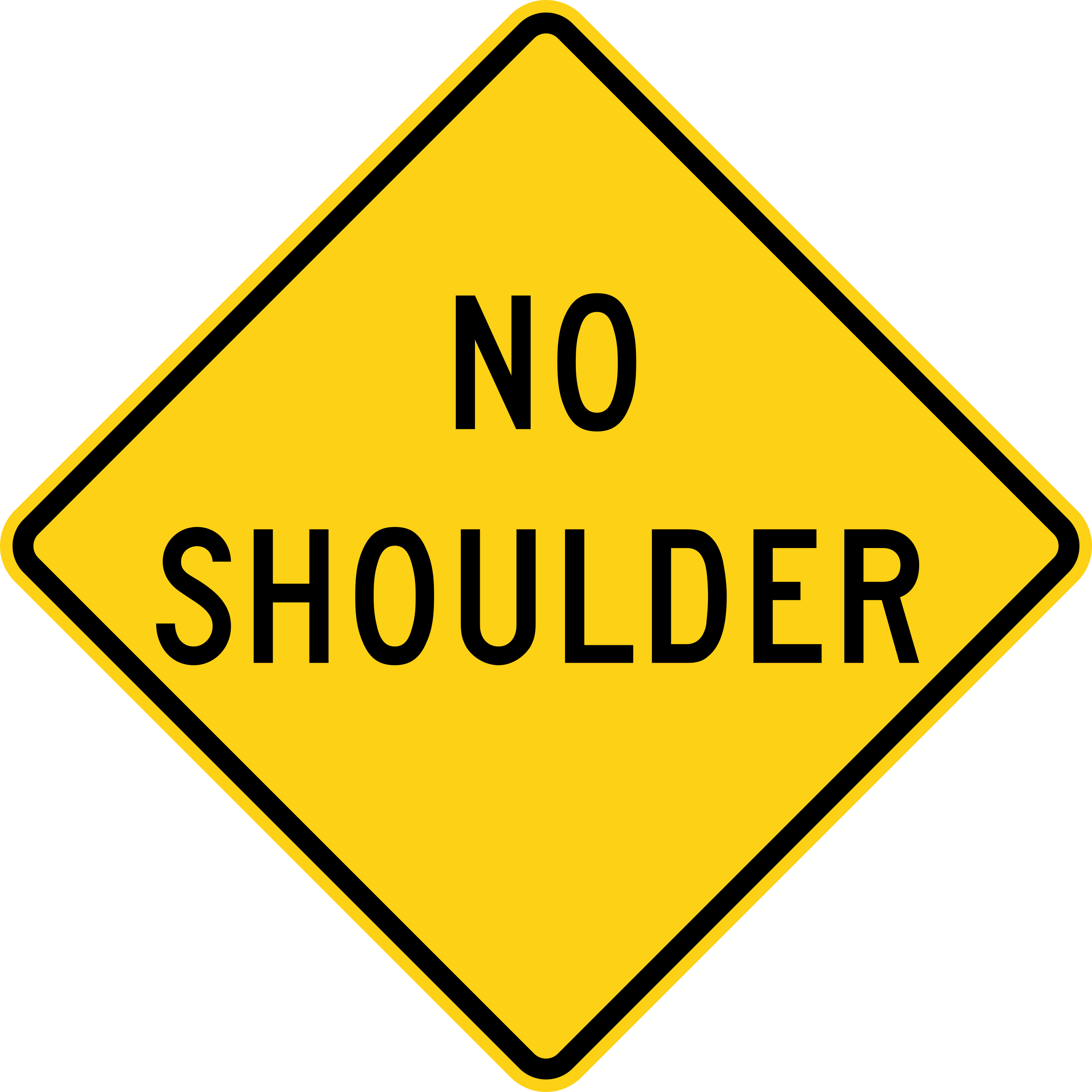
No Shoulder
Warns that the road ahead has no paved shoulder to pull onto.
W8-23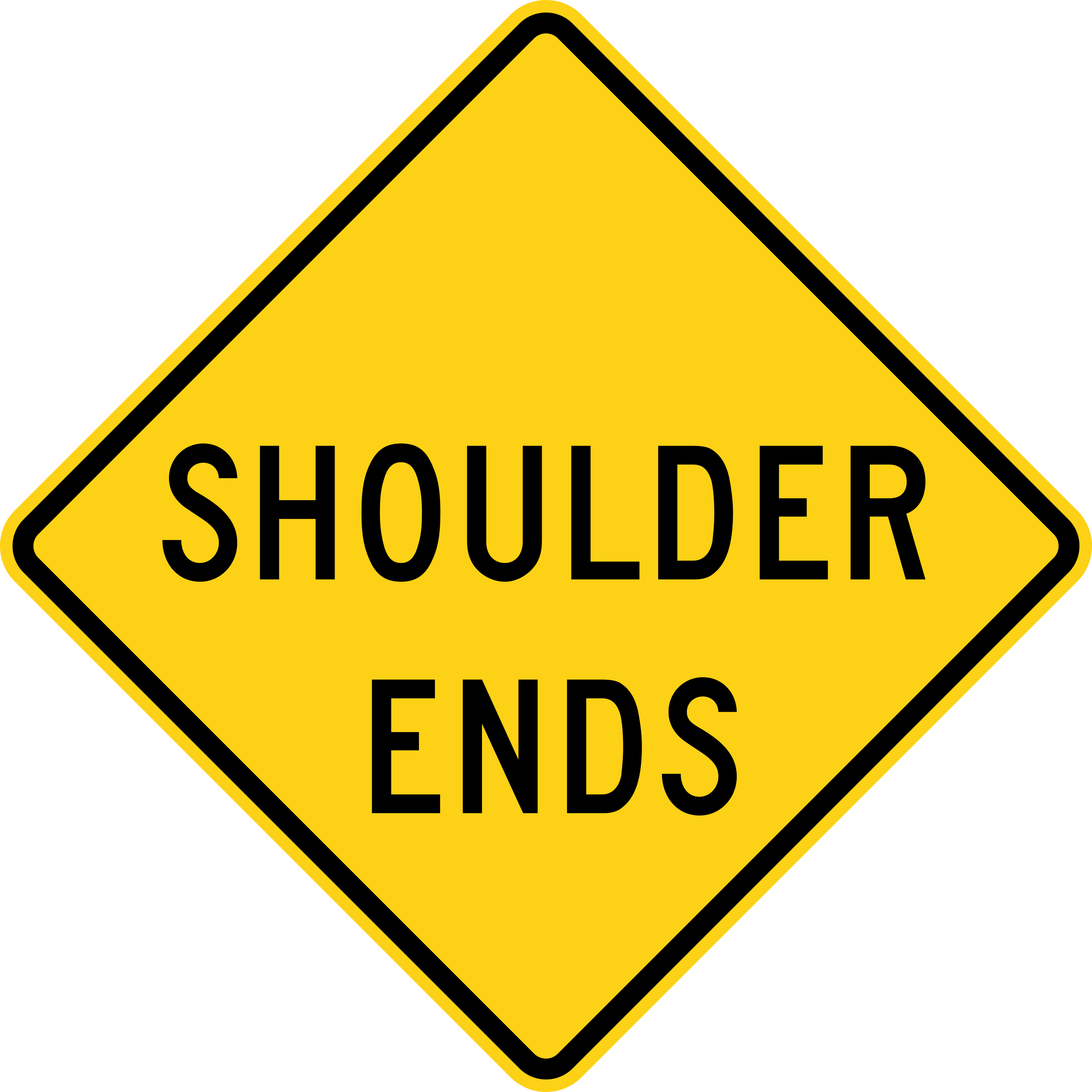
Shoulder Ends
Warns that the paved shoulder ends ahead.
W8-25
Road Ends
Warns that the road ends completely ahead, such as at a T-intersection; you must turn.
W8-26
Pavement Ends
Warns that the paved road surface ends ahead and an unpaved or gravel surface begins.
W8-3
Soft Shoulder
Warns that the shoulder ahead is soft and not safe to drive on; a vehicle could sink or lose traction.
W8-4
Slippery When Wet
Warns that the road surface becomes slippery in wet conditions; slow down and increase following distance in rain.
W8-5
Truck Entrance
Warns of a point ahead where trucks frequently enter the road, such as a construction site or plant entrance.
W8-6
Loose Gravel
Warns of loose gravel on the road ahead, which can cause skidding; slow down and avoid sudden steering or braking.
W8-7
Rough Road
Warns that the road surface ahead is rough or uneven; slow down for a smoother, safer ride.
W8-8
Low Shoulder
Warns that the shoulder is lower than the road surface ahead; use caution if you drive onto it.
W8-9
Right (or Left) Lane Ends
Warns that the right or left lane ends ahead and traffic in it must merge.
W9-1
Lane Ends, Merge Left (or Right)
Warns that your lane is ending and you must merge into the lane to the left or right, as shown.
W9-2
Bicycle Lane Ends
Warns cyclists that the bike lane ends ahead and they must merge into the regular travel lane.
W9-5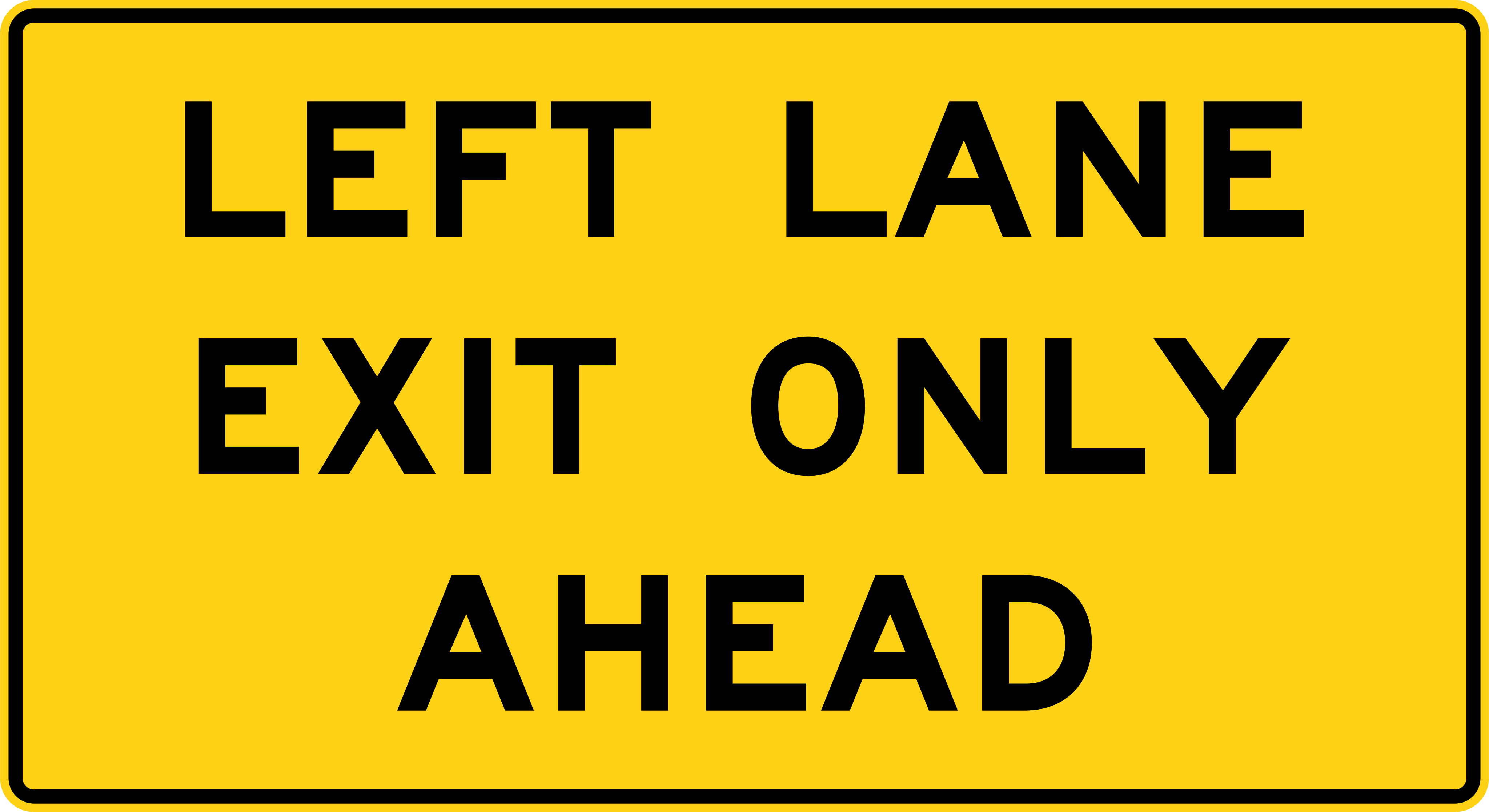
Right (or Left) Lane Exit Only Ahead
Warns that the right or left lane ahead becomes exit-only; move over if you want to continue on the through road.
W9-7
Guide signs
Give directions, routes and services.
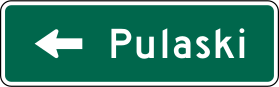
Destination
This green guide sign shows one destination and the direction (arrow) to reach it.
D1-1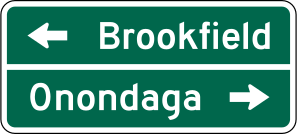
Destination (Two Places)
This green guide sign shows two destinations with their directions.
D1-2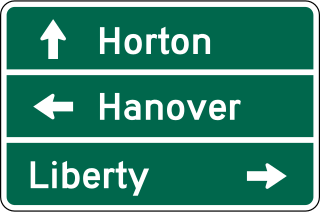
Destination (Three Places)
This green guide sign shows three destinations with their directions.
D1-3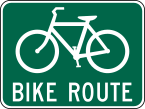
Bike Route
This green sign marks a designated bicycle route.
D11-1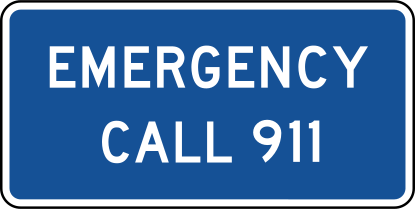
Emergency Dial 911
This blue guide sign reminds drivers to call 911 in an emergency, such as a crash or breakdown.
D12-4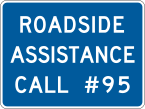
Roadside Assistance
This sign shows that roadside assistance services are available nearby.
D12-6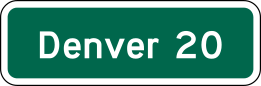
Distance
This green sign shows the distance, in miles, to the destinations listed.
D2-1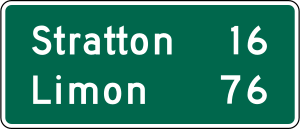
Distance (Two Places)
This green sign shows the distance, in miles, to two destinations.
D2-2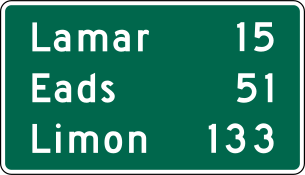
Distance (Three Places)
This green sign shows the distance, in miles, to three destinations.
D2-3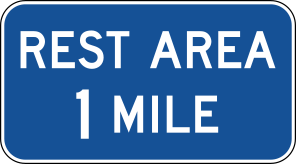
Rest Area
This green guide sign shows that a rest area is ahead.
D5-1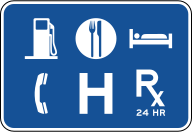
General Services
This blue guide sign shows which services, such as fuel, food, or lodging, are available at the upcoming exit.
D9-18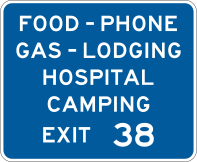
General Services with Exit Number
This blue sign shows service symbols along with the exit number where they can be found.
D9-18a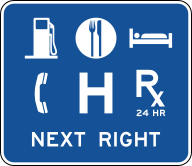
General Services with Exit Information
This wide blue sign shows up to six service symbols along with exit or direction information for the upcoming interchange.
D9-18b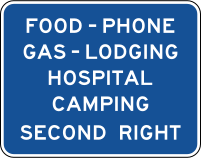
General Services with Exit Information
This blue sign shows service symbols along with exit or direction information for the upcoming interchange.
D9-18c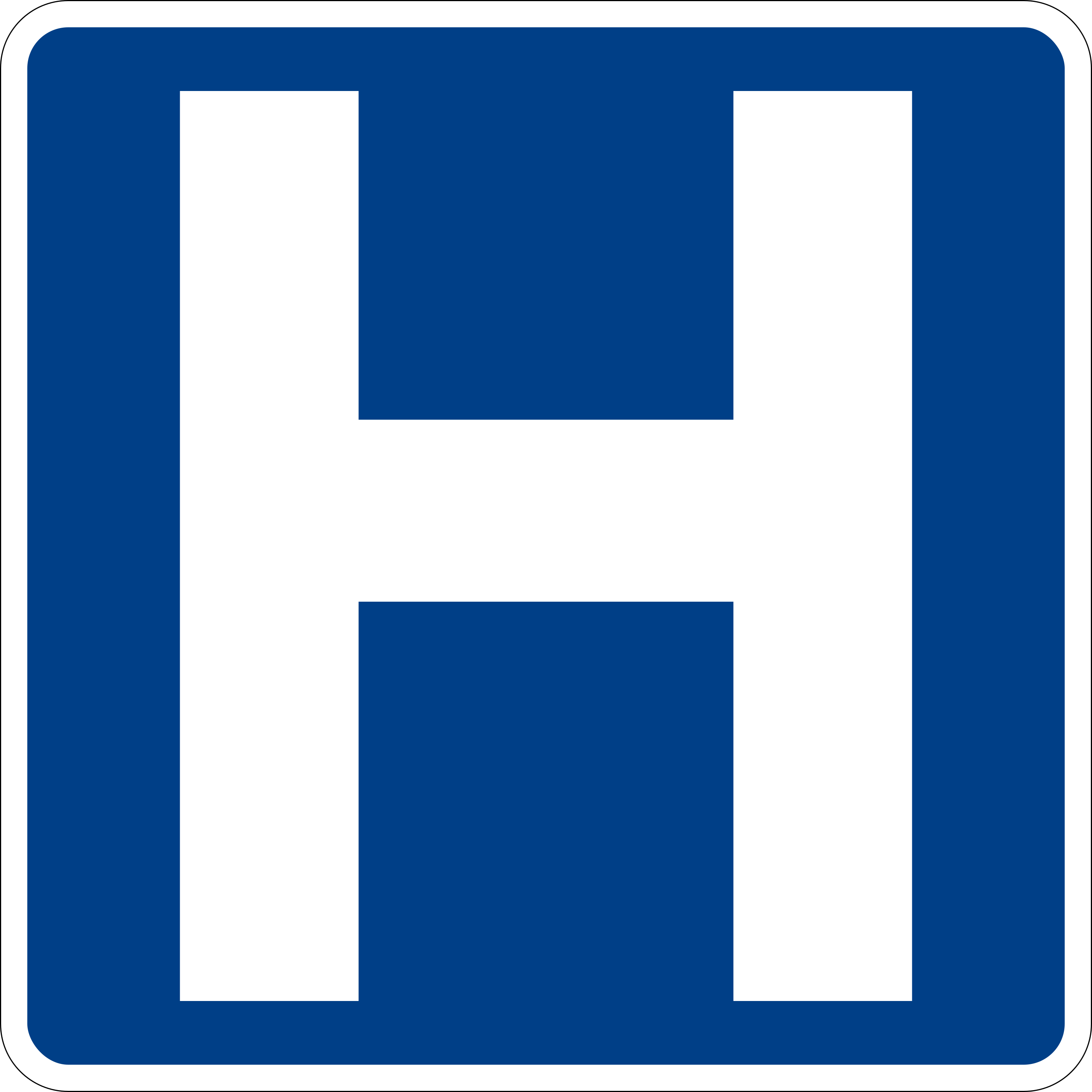
Hospital
This blue sign shows that a hospital is located ahead.
D9-2
Emergency Notification Sign
This sign marks the location of a roadside emergency call phone or call box.
I-13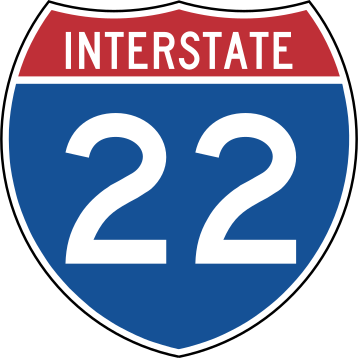
Interstate Route Marker
This red, white, and blue shield marks the number of an Interstate highway.
M1-1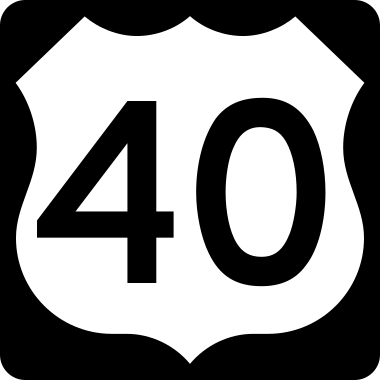
U.S. Route Marker
This black-and-white shield marks the number of a U.S. federal highway route.
M1-4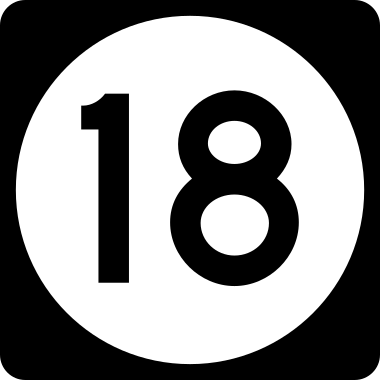
State Route Marker
This shield, whose shape varies by state, marks the number of a state highway route.
M1-5
Railroad signs
Mark railroad crossings.
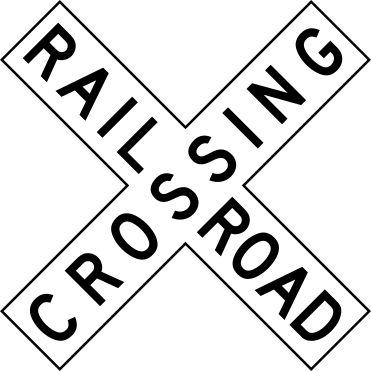
Highway-Rail Grade Crossing (Crossbuck)
This X-shaped crossbuck marks a railroad crossing. Slow down, look both ways, and be prepared to stop for a train.
R15-1
Highway-Rail Grade Crossing Ahead
Warns of a railroad crossing ahead; slow down and be ready to stop and check for an approaching train.
W10-1
Storage Space (Railroad)
Shows whether there is enough room between the tracks and the intersection behind them to stop a vehicle safely without blocking the crossing.
W10-11
Skewed Railroad Crossing
Warns that the railroad tracks cross the road at an angle rather than straight across.
W10-12
Railroad Crossing with Intersection Ahead
Warns that a railroad crossing and a road intersection occur close together ahead.
W10-2
Railroad Crossing with Intersection Ahead
Warns that a railroad crossing and a road intersection occur close together ahead.
W10-3
Railroad Crossing with Intersection Ahead
Warns that a railroad crossing and a road intersection occur close together ahead.
W10-4
Low Ground Clearance Railroad Crossing
Warns that the crossing's surface may be higher than the road, and vehicles with low clearance could get stuck on the tracks.
W10-5
Trains May Exceed 80 MPH
Warns that trains on this line can travel faster than 80 mph, so extra caution and time are needed at the crossing.
W10-8
No Train Horn
Warns that trains at this crossing may not sound their horn, so drivers must rely on their own caution, not an audible warning.
W10-9
Work zone signs
Construction and maintenance areas.

Road Work Next XX Miles
Warns that road construction or maintenance work continues for the number of miles shown ahead.
G20-1
End Road Work
Marks the end of the road work zone; normal traffic conditions resume.
G20-2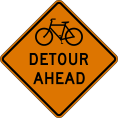
Bike Detour (with Distance)
Warns cyclists of a detour ahead, at the distance shown, due to a closure.
W20-2a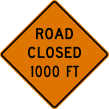
Road Closed Ahead (with Distance)
Warns that the road or street is closed at the distance shown ahead; plan to detour.
W20-3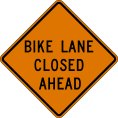
Bike Lane Closed (with Distance)
Warns that the bike lane is closed at the distance shown ahead, usually due to construction.
W20-5b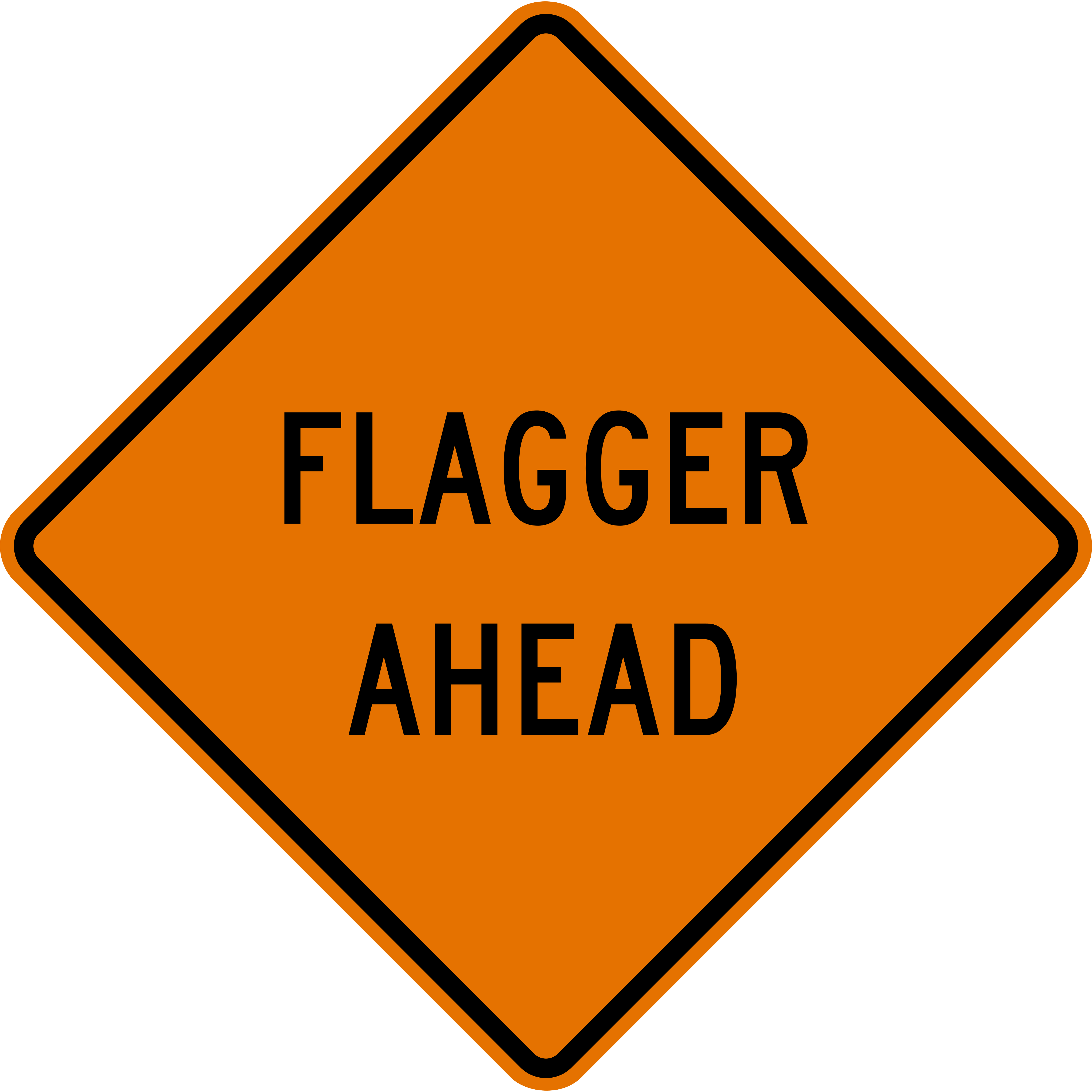
Flagger Ahead
Warns of a worker ahead directing traffic by hand, often with a flag or paddle sign; follow their instructions and slow down.
W20-7a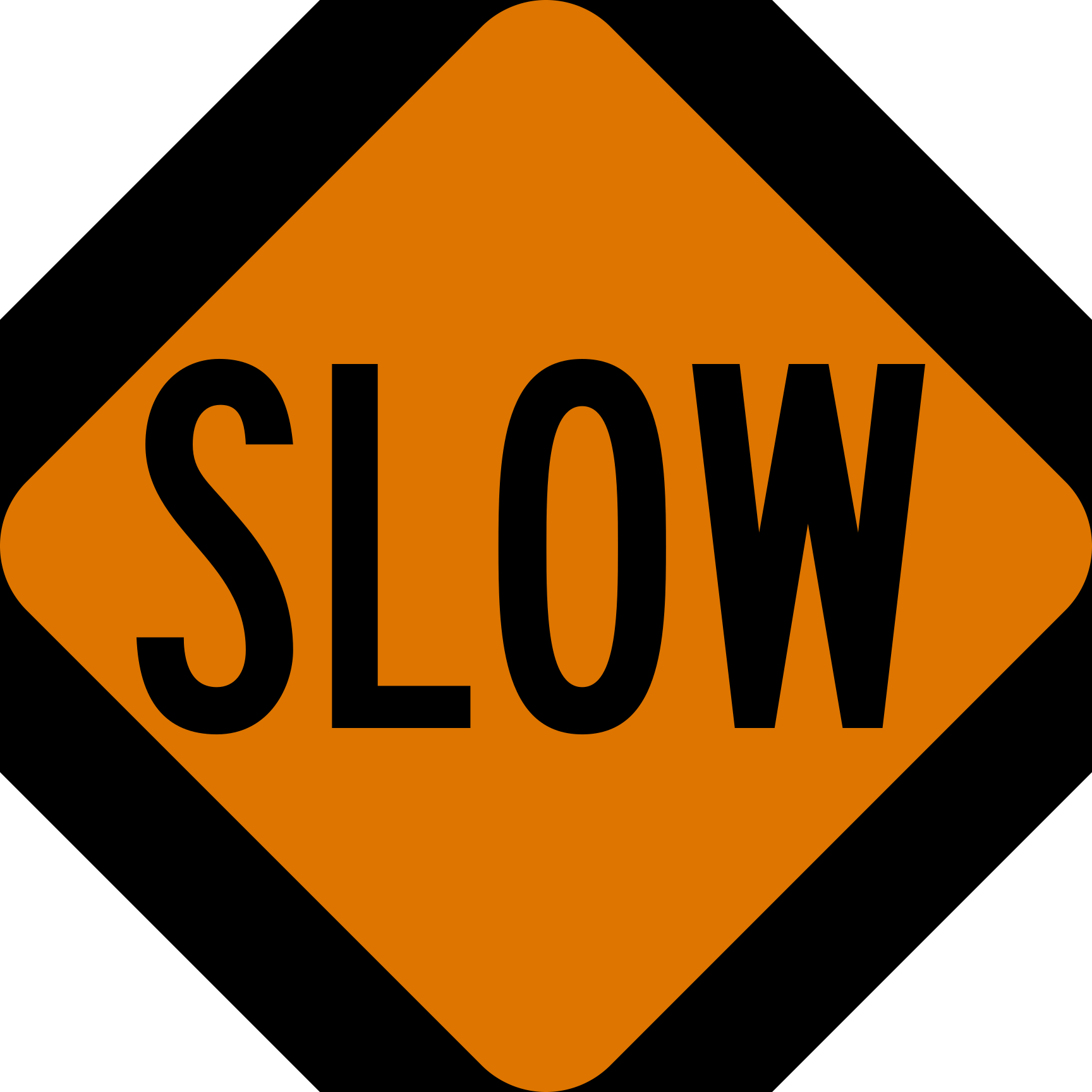
Slow (Stop/Slow Paddle)
This is the SLOW side of a two-sided paddle used by a flagger in a work zone; slow down and proceed carefully.
W20-8
School signs
Areas near schools.

School Zone
Marks a school zone; slow down and watch carefully for children, especially during arrival and dismissal times.
S1-1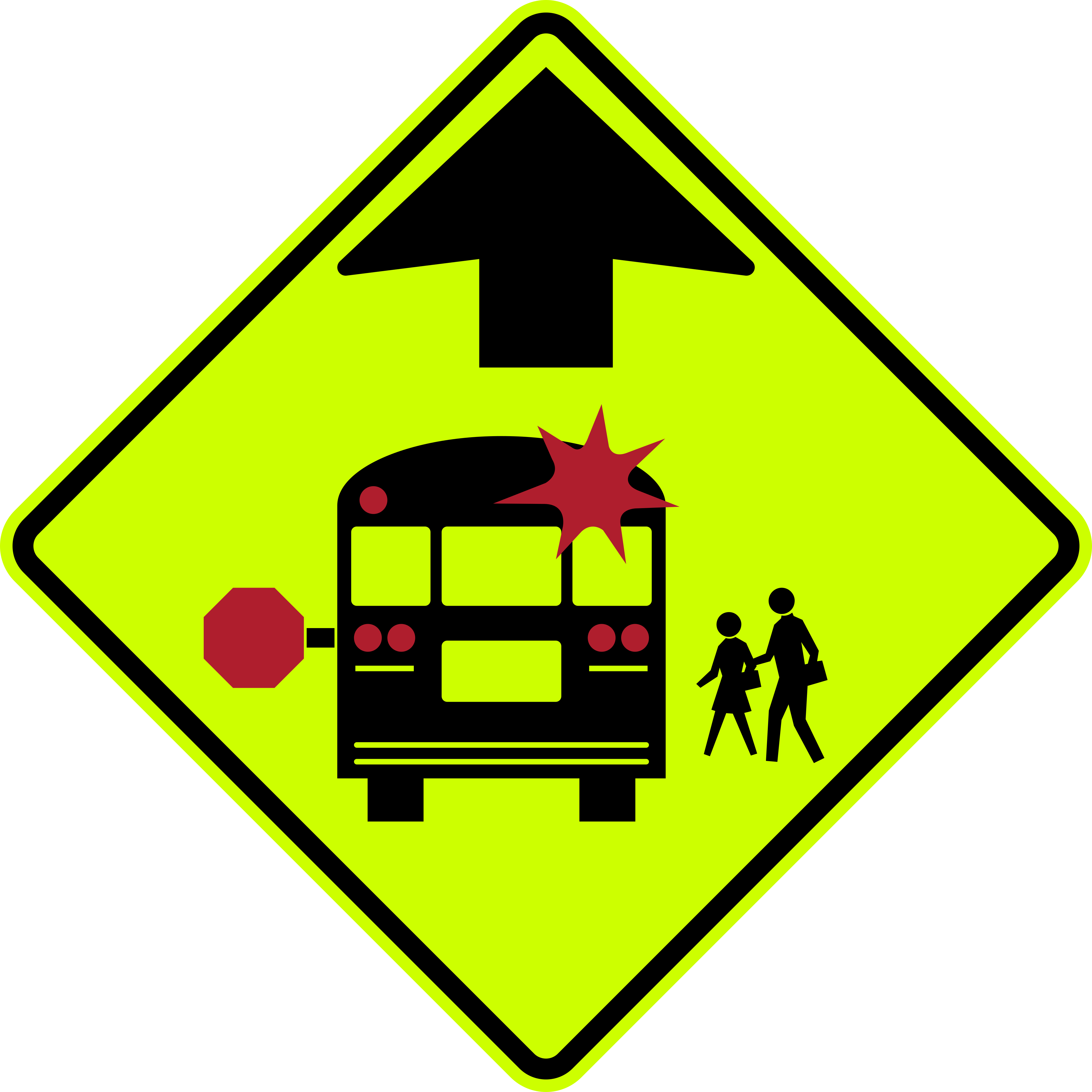
School Bus Stop Ahead
Warns of a school bus stop ahead where children may be boarding or exiting; be ready to stop for a stopped bus with flashing lights.
S3-1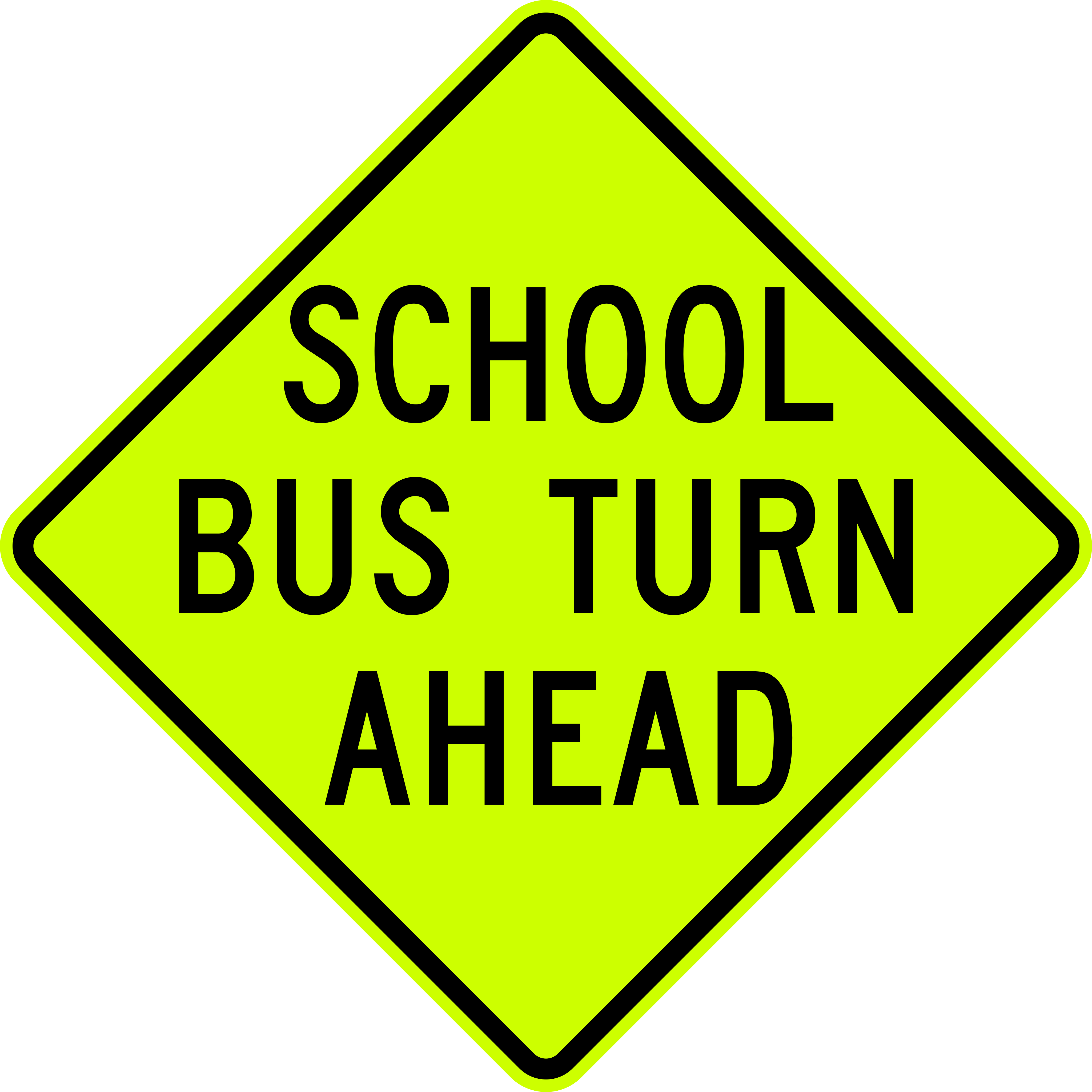
School Bus Turn Ahead
Warns that a school bus makes a turn at this point ahead; watch for the bus and children nearby.
S3-2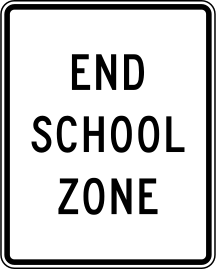
End School Zone
Marks the end of the school zone and its reduced speed limit; normal speed limits resume.
S5-2